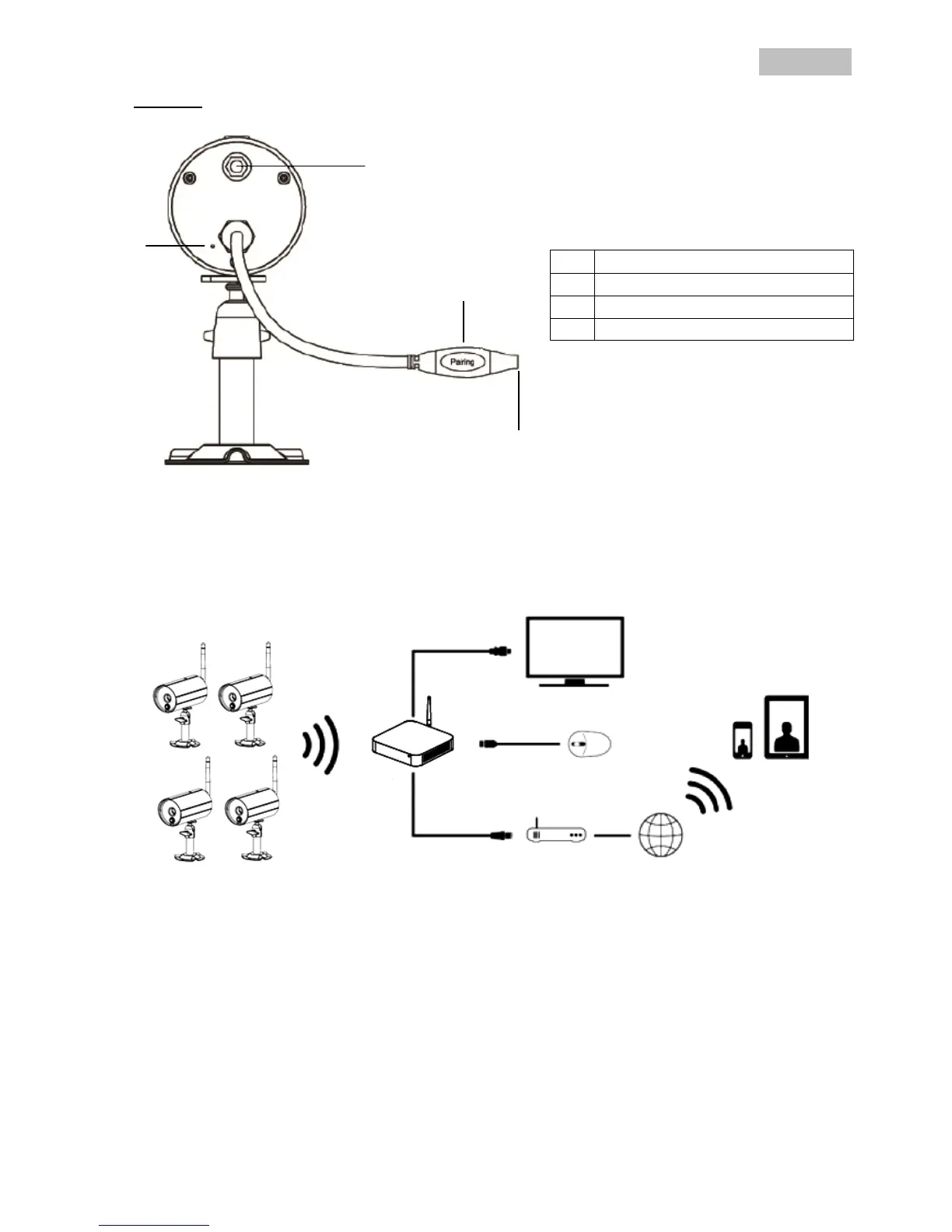
Rear view
6. Installation
6.1 Recorder installation
1. Screw the antenna on to the recorder and plug in the mouse to a USB port.
2. Next, plug in the LAN cable to the recorder and connect it to the router.
3. Then, plug in the HDMI cable to the recorder and a screen.
4. Insert the micro SD card supplied into the card slot on the back.
5. Plug in the 12 V power supply unit supplied into the recorder.
6. Switch on the recorder by pressing the power switch on the back.
7. Switch on the monitor/TV and change to the HDMI input.



 To Next Page