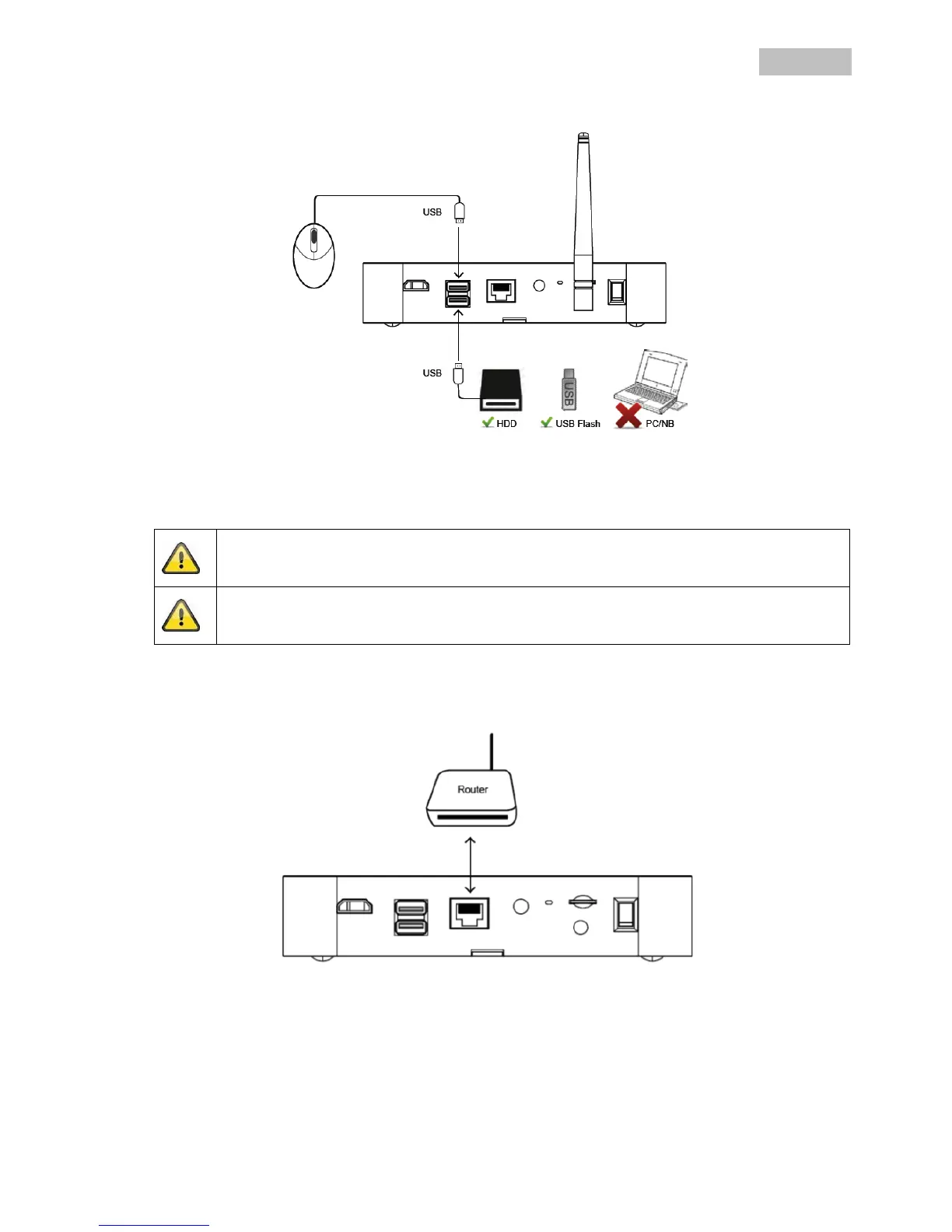
6.2 Connecting an external hard disk drive
1. First, connect a mouse (not included) to one of the USB ports.
2. Then connect an external hard disk drive to the second USB port. Please format this before initial
installation. Recommended format: FAT32
Connect the power supply only after you have connected all the USB devices.
The USB connections supply 5 V/1000 mA. If the external hard disk drive requires a higher
output, use an additional power supply.
6.3 Connecting the recorder to the mains
Connect the recorder to the router using the LAN cable supplied to access your device with the app.
To gain access with the app, refer to point 7.1. Access via app.



 To Next Page