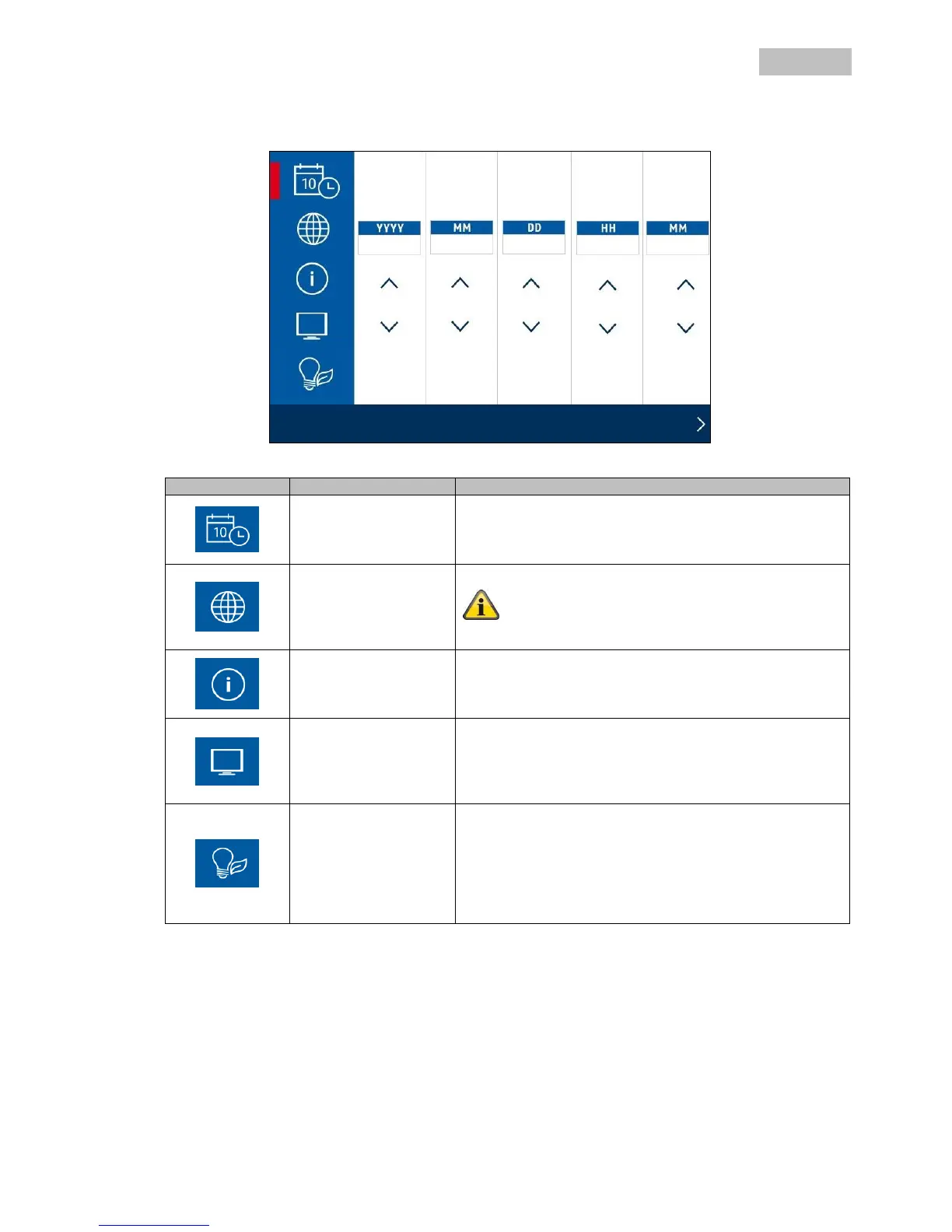
Use the arrow keys to set the date and time.
Right-click on the mouse to save the settings and exit the
menu.
Select the language for your system.
The system is then reset to the factory settings.
Select the settings display for the live view here.
You can activate and deactivate the icon for the signal
strength and the time stamp.
Select the settings display here during the idle mode.
You have the following options for selection:
Quad / Smart-Quad / 10 second sequence / 5 second
sequence.
Settings for the power saving mode:
Set the power saving mode here for the output of the
video signal on a monitor or TV.
You have the following options for selection:
Power saving mode off / power saving mode after 5
minutes / power saving mode after 10 minutes



 To Next Page