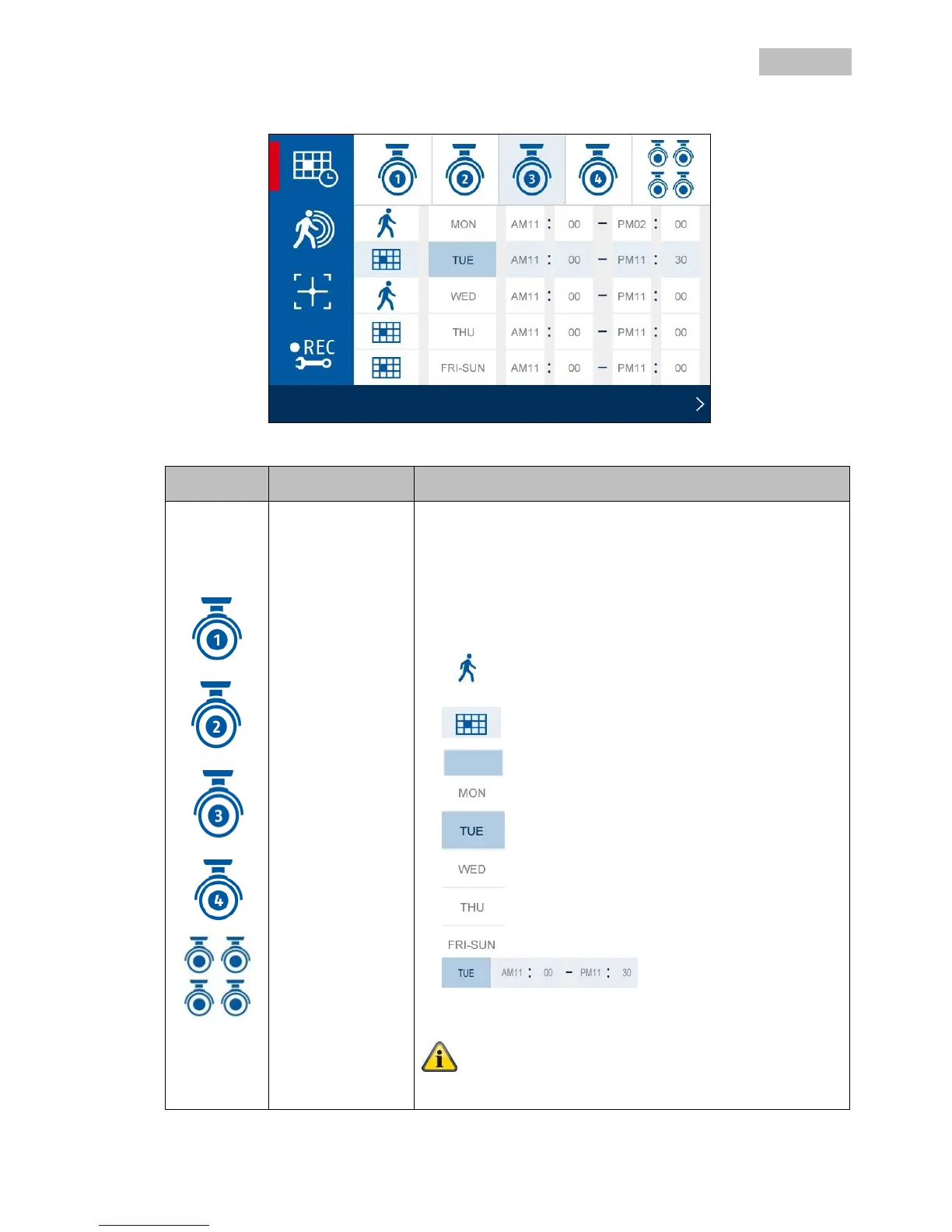
Select a camera or all the cameras for the schedule.
1. Select one of the cameras 1–4. You can now select the
recording type, the day of the week and the time period.
2. Select all the cameras to activate the schedule for all
cameras.
Motion detection:
Recording starts if motion is
detected.
Continuous recording:
Recording starts or ends at the
defined times.
Select the day of the week for the
continuous recording here.
You can select individual week days
or choose between:
Every day, Monday – Friday,
Monday – Saturday or Saturday –
Sunday
Define the times
for starting and
finishing the
recording here.
No recordings will be made if the schedule is not defined!



 To Next Page