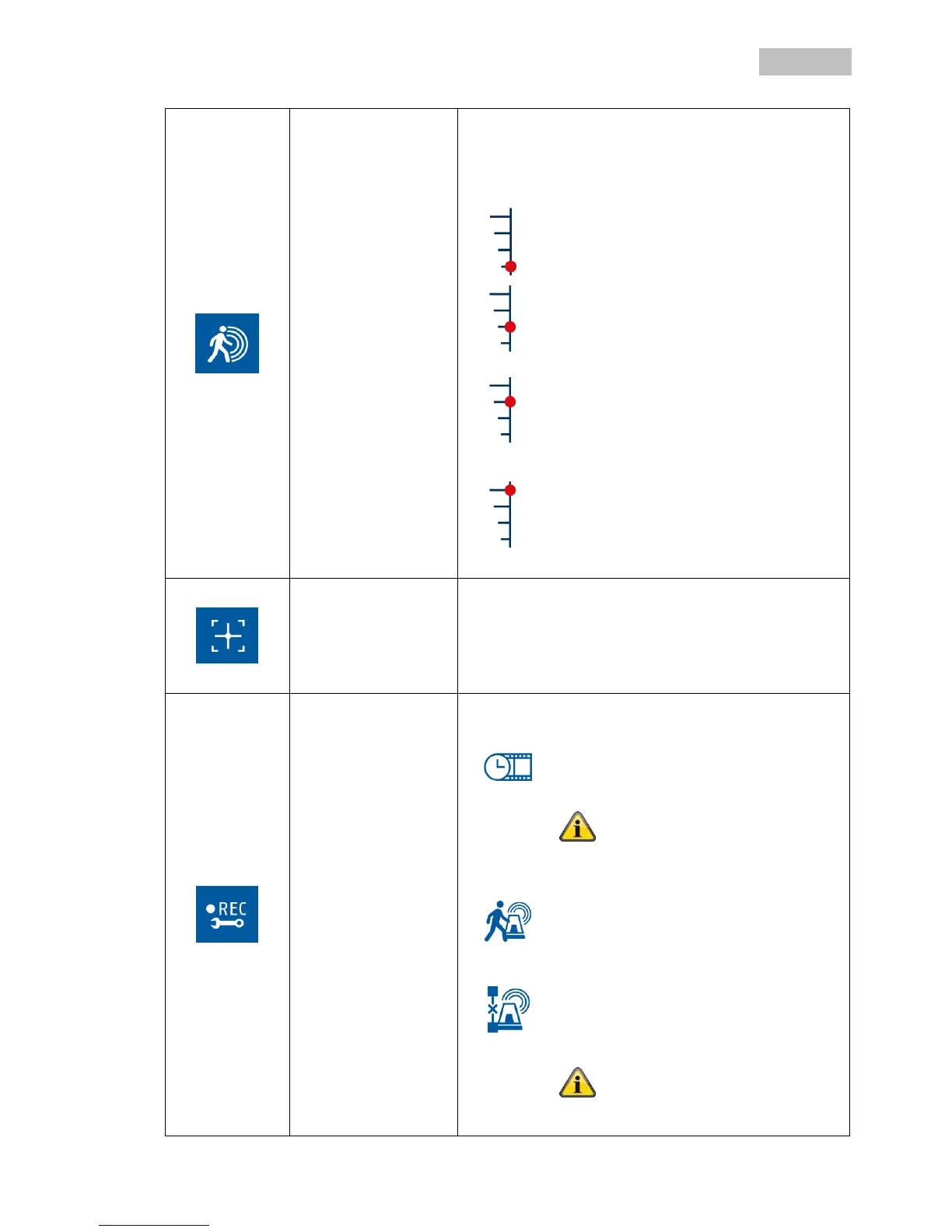
You can make the settings for the motion sensitivity here.
The motion sensitivity can be controlled via the PIR
sensor as well as the PIR sensor and the software motion
detection at the same time.
PIR motion detection:
Motion is detected only by the camera’s
PIR sensor.
PIR detection range: up to 5 m
PIR and “Low” motion detection:
Motion is detected using the PIR and the
motion detection software.
PIR detection range: up to 5 m
Software detection range: up to 4 m
PIR and “Medium” motion detection:
Motion is detected using the PIR and the
motion detection software.
PIR detection range: up to 5 m
Software detection range: up to 5 m
PIR and “High” motion detection:
Motion is detected using the PIR and the
motion detection software.
PIR detection range: up to 5 m
Software detection range: up to 6 m
Select a camera (1–4), now change to the live view with
the grid for the motion mask.
Double-click on it to deactivate a partition.
Just click on a partition to activate it.
Right-click the mouse to exit the live view and the settings
are saved.
You can make settings for the alarm here:
Motion detection recording duration:
Configure the recording duration for the
motion detection.
Selection: 30 / 60 / 120 seconds
For repeated motion, the recorded
duration can be increased.
Alarm sounds for motion:
Configure the duration of the alarm for
motion.
Selection: Off / 5 / 10 seconds
Alarm sounds for loss of video:
Configure the duration of the alarm for
loss of video.
Selection: Off / 5 / 10 seconds
The alarm sounds through the
loudspeaker of the monitor/TV via HDMI.



 To Next Page