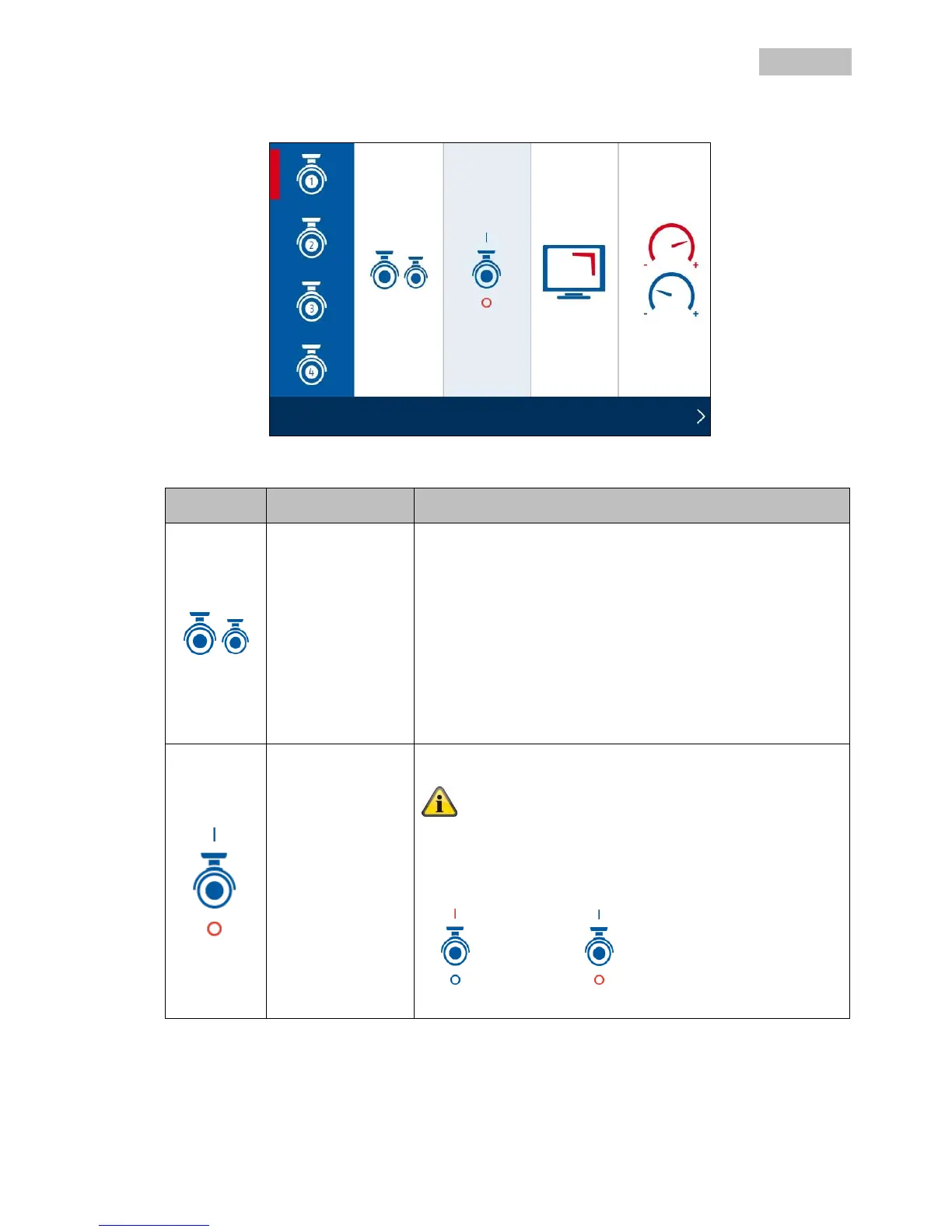
Pairing the camera is necessary to establish a connection. The
connection stays once it has been set up. If you want to change
the camera to another channel, you need to pair it again.
In the recorder menu, select “Camera”, then “Pairing a new
camera” and the required camera (1–4). The system counts
down from 60 seconds.
Press the PAIRING button briefly on the camera cable during
these 60 seconds.
The LINK LED is lit up continuously once the connection is
established.
Use the on/off switch to display or deactivate the camera.
Note that deactivated cameras are not displayed in the SMART-
QUAD view.
If you deactivate the camera, it will not make any more
recordings.
Camera on Camera off



 To Next Page