8. Operating the recorder
To switch the recorder ON/OFF, press the power button on the back of the recorder.
8.1 Live view
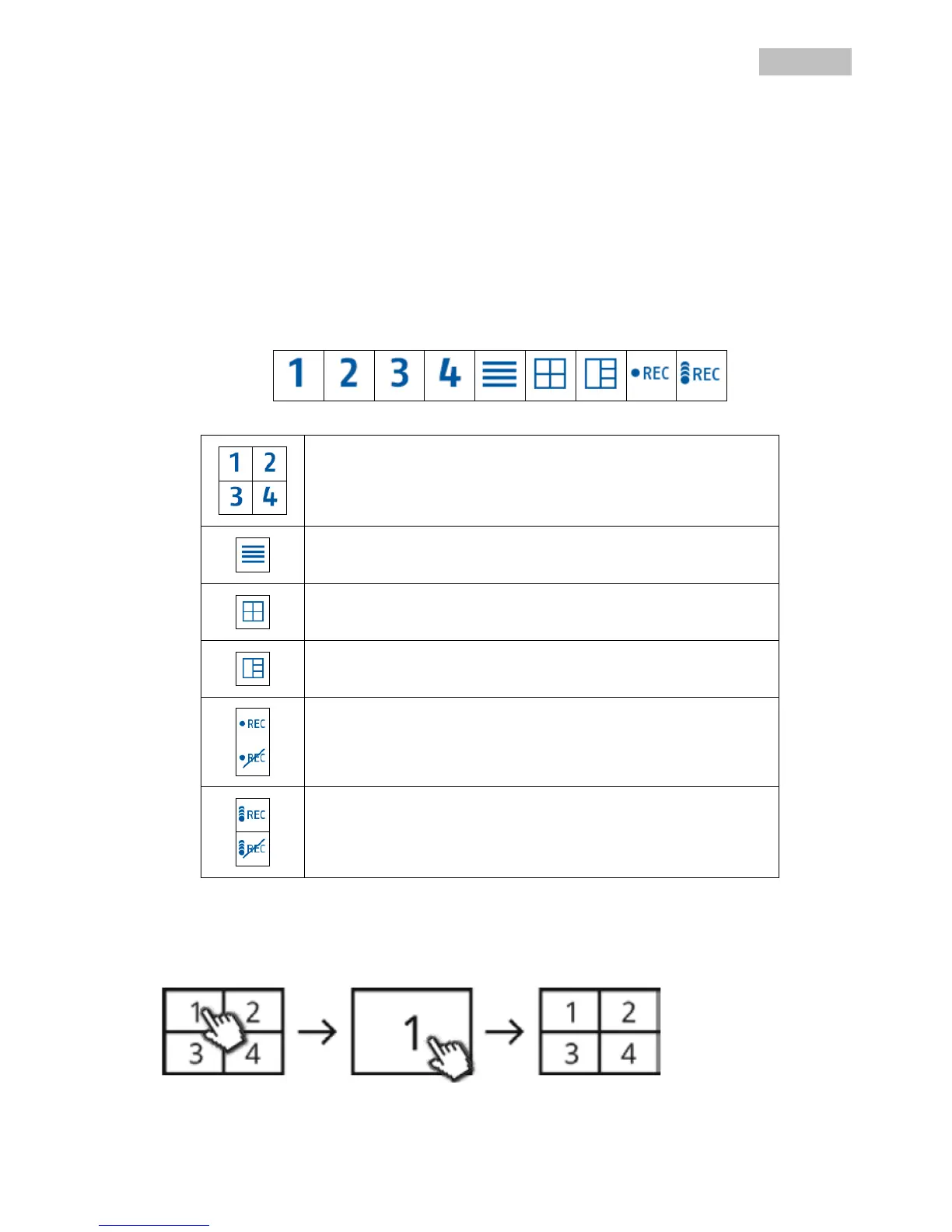
The live view starts automatically after the device is switched on in the quad view. To show a camera as
full-screen, left-click with the mouse on the required channel.
Click on the picture once again to change to the original view.
Right-click with the mouse to open the pop-up menu.
To exit the menu, right-click with the mouse once again.
Live display
Quad view:
In the quad view, click on a channel using the left mouse button to display this as full-screen.
Click on the full-screen again to change back to the quad view.



 To Next Page