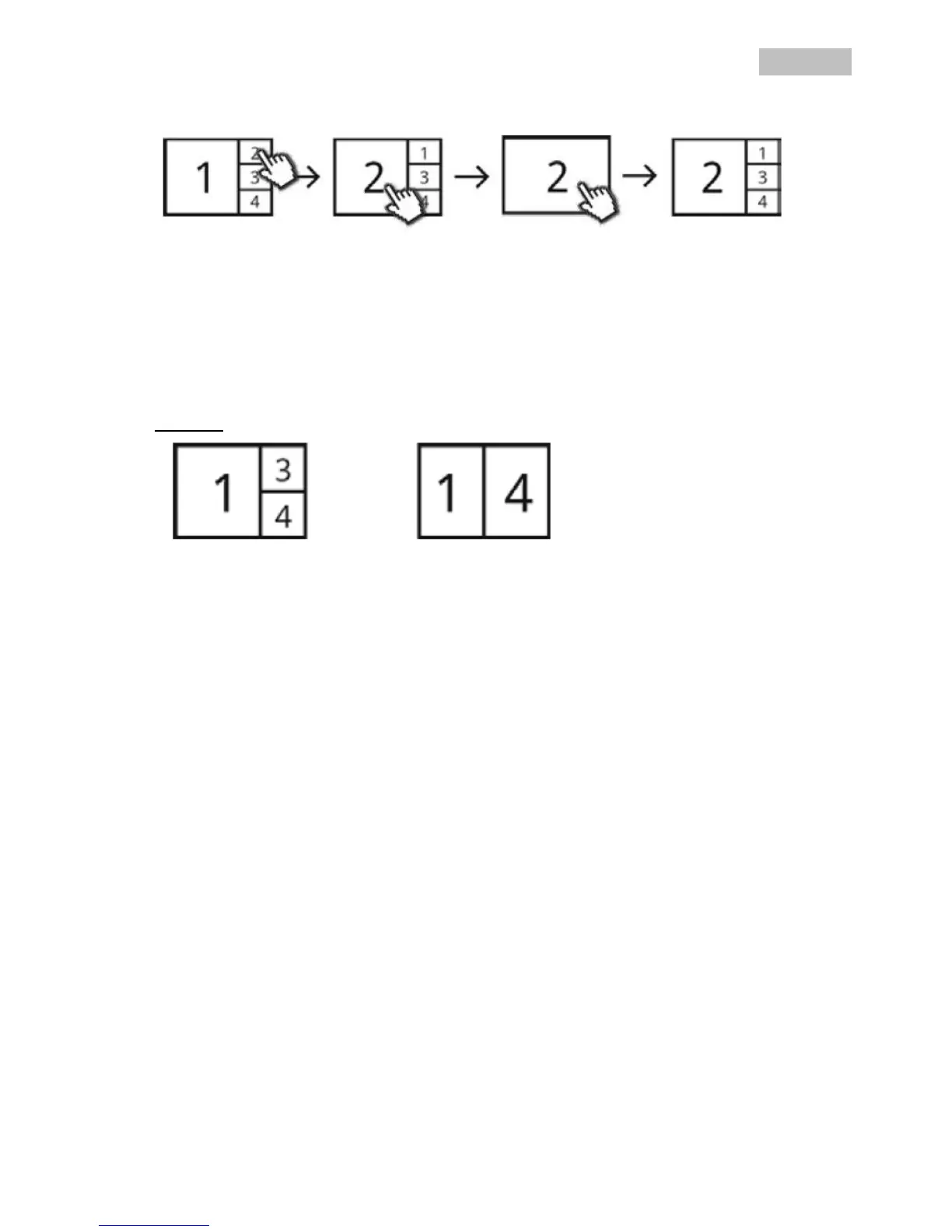
Smart-Quad view:
In the smart-quad view, click on the required channel to display this on the left in large view. To display a
channel in full screen it must be shown in large view.
To do this, click on the picture in large view and click again to return to the smart-quad view.
Dynamic view:
You can configure the view dynamically here. Deactivate the cameras you do not want to view under
camera settings. (Note: the deactivated cameras do not make recordings!)
Examples:
Channel 2 deactivated Channel 2 & 3 deactivated



 To Next Page