100
English
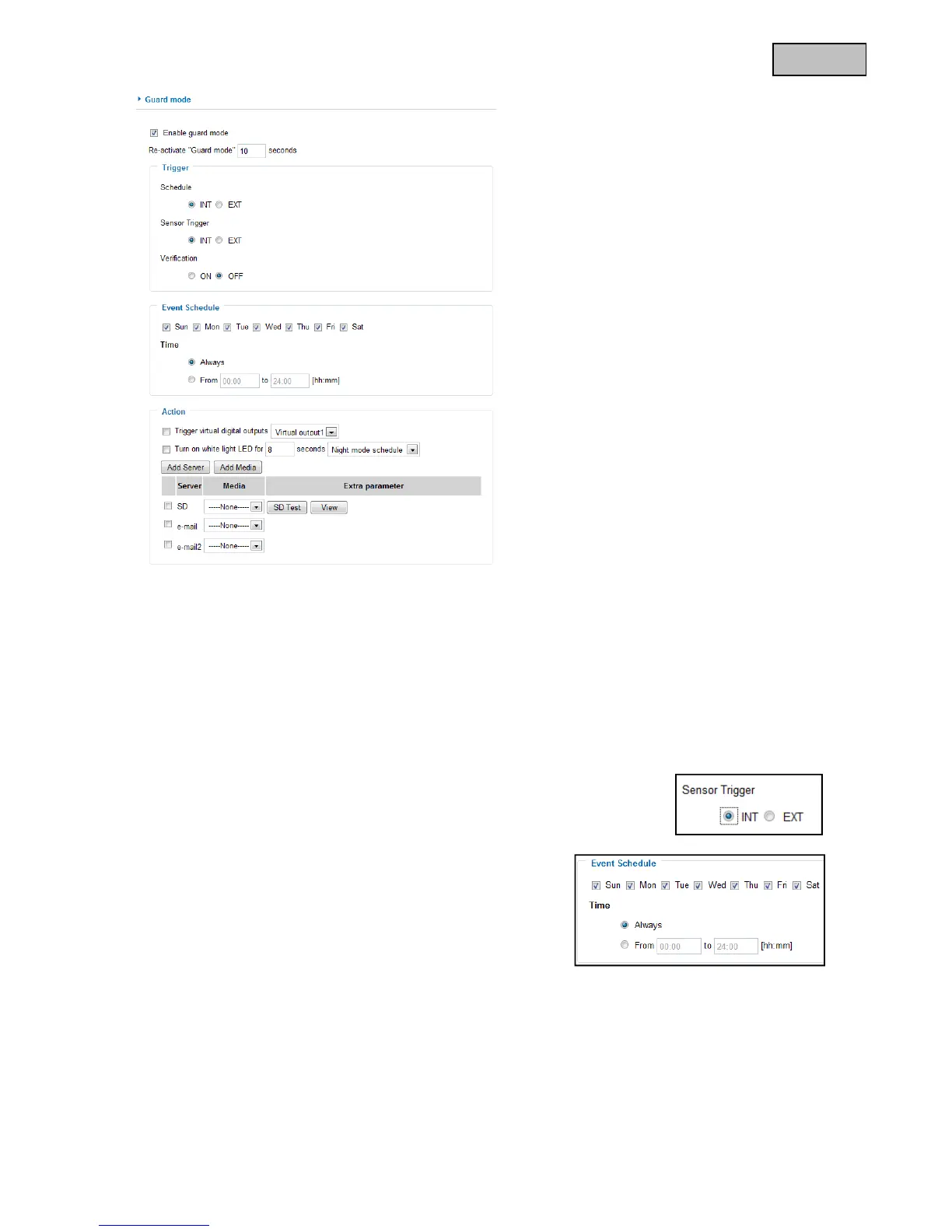
13.1.1 Trigger settings
The settings for the triggering behaviour are divided into three areas. Only when all three conditions have
been fulfilled (=AND combination) will an alarm be triggered in the camera and the instructions under
“Action” executed.
Schedule AND sensor selection AND verification = Alarm
Schedule:
Schedule INT: The internal camera schedule is used. This can be configured
individually under “Event schedule”. When the camera is within the selected time
range, then the schedule condition has been fulfilled.
Event schedule
“Sun” - “Sat” allows you to select the day of the week for carrying
out an event.
“Always” Activates the event at all times (24 hours).
“From” - “to” The event times are narrowed down.



 To Next Page