69
English
3.2 LED status display
Status LED description:
In order to reboot the camera or restore the factory settings press the reset button. Use an appropriate small
tool.
Camera reboot: Press the reset button once and wait until the camera to restart.
Restore factory settings: Press and hold the reset button for approx. 30 seconds until the status LEDs start
flashing. All settings will be reset to factory default.
4. Initial start-up
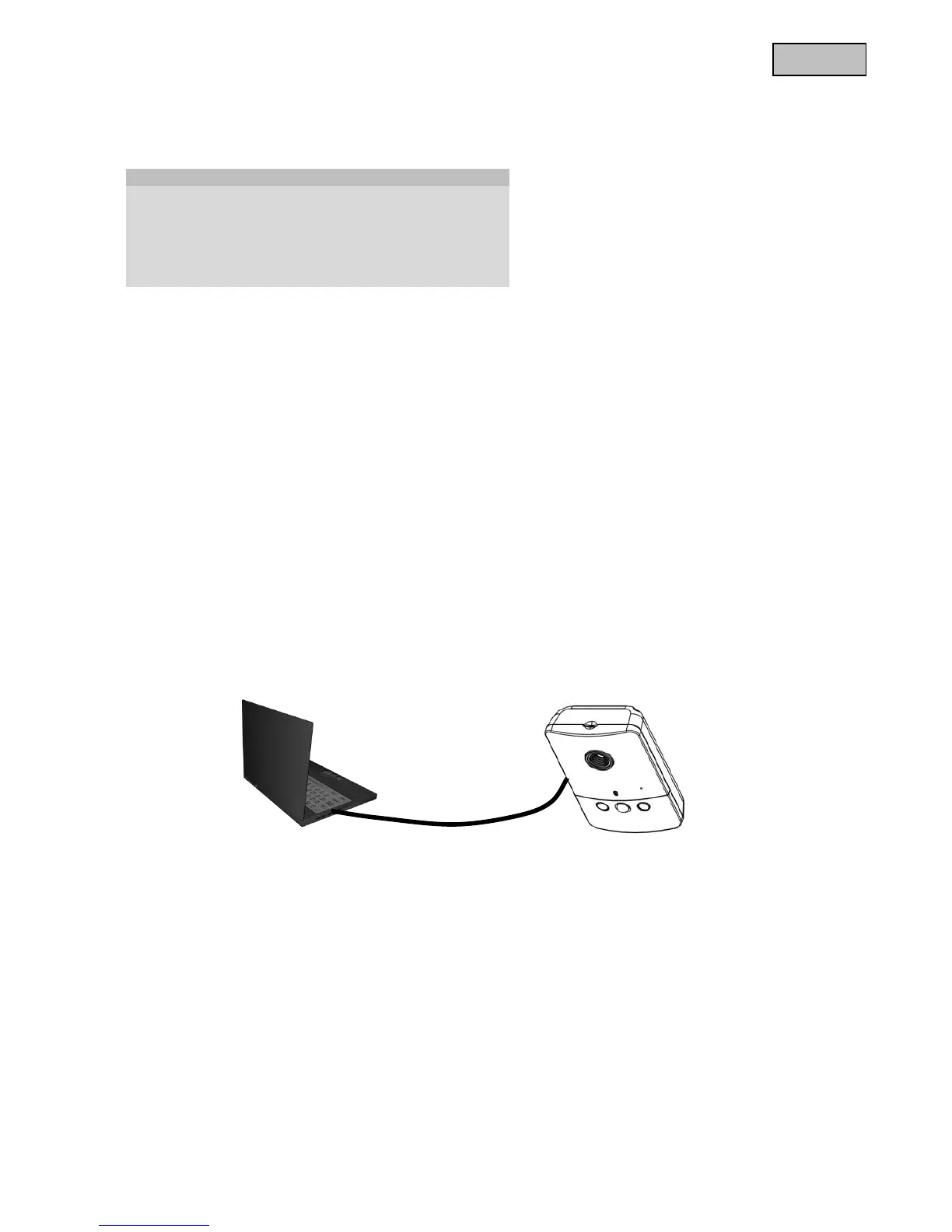
Direct connection between camera and PC / laptop
1. Make sure to use a crossover network cable
2. Connect the cable with the Ethernet port of the PC / Laptop and the camera
3. Connect the power supply to the camera
4. Configure the IP address of the PC / Laptop to 169.254.0.1
5. Continue with point 4.1 in order to finish the initial installing and build-up a connection to the
camera
Status / LED colour Green Red
System start Off On
Camera turned off Off Off
Network works (heartbeat) 1/s On
Network problem Off On
Firmware update 1/s 0.1/s
Restoring factory settings Off 0.1/s
Crossed Ethernet cable



 To Next Page