106
English
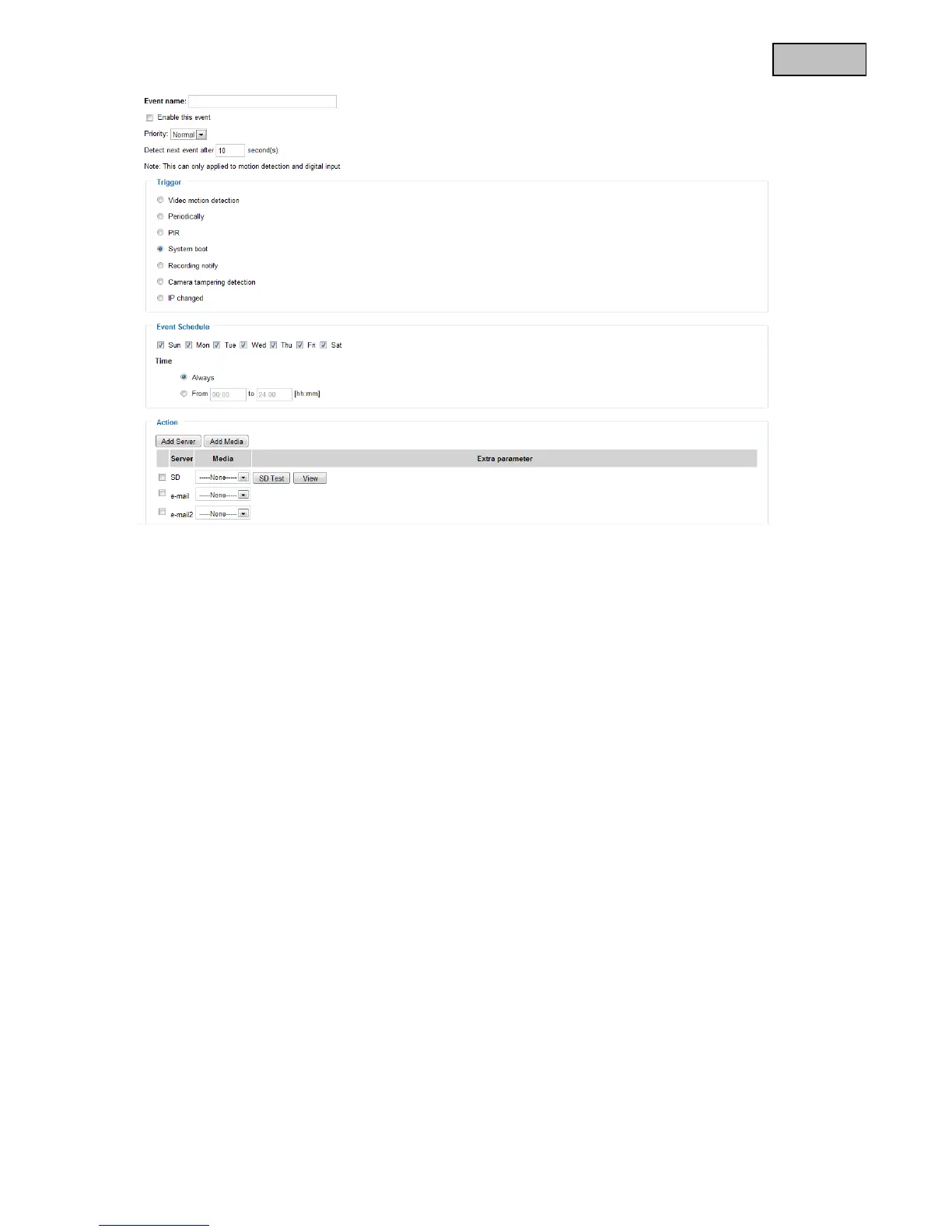
13.2.2 Trigger settings
“Video motion detection” Activate the desired motion window.
“Periodically” The event is triggered periodically. Maximum setting is 999 minutes.
“PIR” An alarm is triggered when the internal camera PIR sensor detects an object.
“System boot” Event is triggered when the system is rebooted (after a power failure).
“Recording notify” If the destination storage (medium) is full or if a cyclic recording is overwritten, an alarm
is triggered.
“Camera tampering detection” An alarm is triggered if the system detects that the connected analogue
“IP changed” As long as a new IP address is assigned to the video server, an alarm is triggered.
Event schedule
“Sun” – “Sat” allows you to select the day of the week for executing an event.
“Always” Activates the event at all times (24 hours).
“From” – “to” The event times are restricted.
13.2.3 Server and media settings
See server settings for guard mode 12.1.2 and media settings for guard mode 12.1.3. The settings for server
and media in the event settings are identical to the guard mode.



 To Next Page