112
English
18. Management
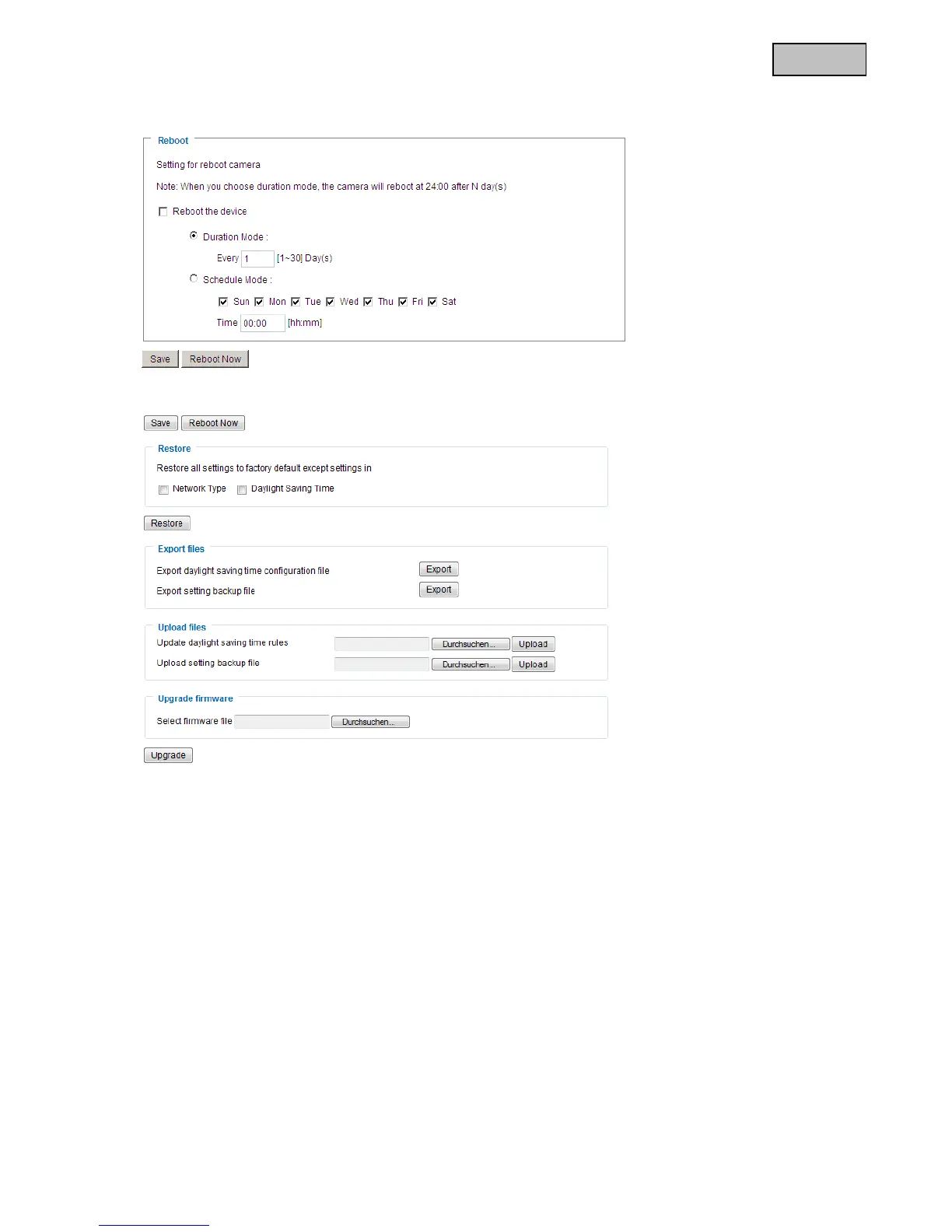
Reboot
Press the “Reboot Now” button to restart the video server. You can also configure an automated device
reboot. This may be helpful if network problems occur. We recommend rebooting the video server on a
weekly basis if you experience problems.
Restore
Click to restore the factory settings. All previous settings are discarded.
Export files
Press to export your video server settings into a file. You can also export and save the daylight saving time
configuration file.
Upload files
Press “Browse...” and select the correct configuration file.
Then press “Upload” and wait until the settings have been restored.



 To Next Page