102
English
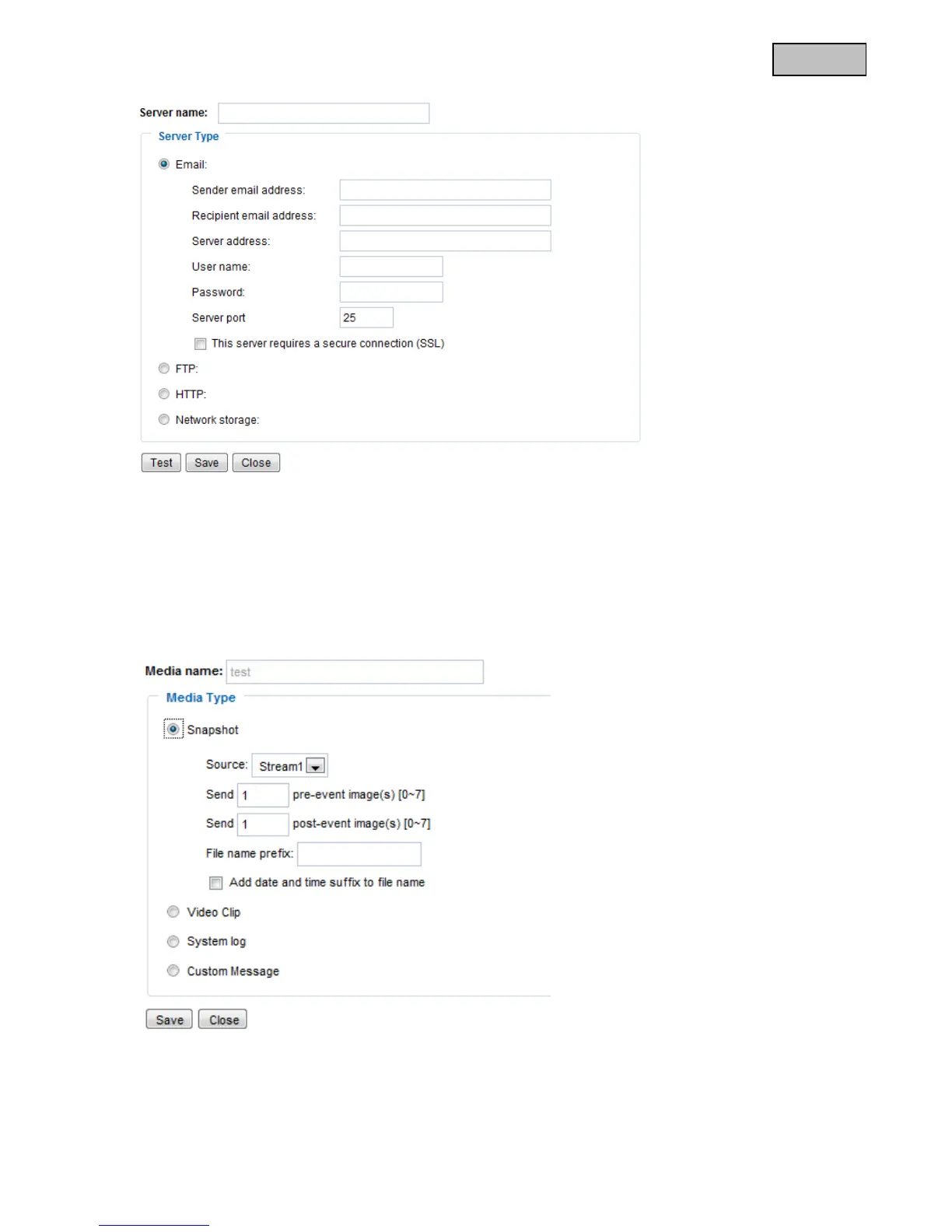
Once you have entered the access data, save your settings. Before closing the window, it is advisable to
execute a “Test”. The result is displayed in a new window of the browser.
13.1.3 Media settings
You can save up to 5 media settings in the video server.
“Media name” Unique name for the medium.
There are 4 different media types:
Snapshot (JPEG file)
Video clip (MP4 format)



 To Next Page