73
English
Please notice that limited access can occur, due to low mobile network bandwidth. We recommend following
settings to optimize the video stream:
Video compression MPEG-4
Resolution 176x144
I Frame 1 Second
Video quality (constant bit rate) 40 Kbit / Second
Audio Compression (GSM-AMR) 12.2 Kbit / Second
If the media player does not support the RTSP authentication, then deactivate this option in the RTSP settings
of the camera.
The RTSP address has to be entered as following:
rtsp://<IP-address of the camera >:<rtsp Port>/<Name of the video stream >
How to change the name of the video stream will be explained further on.
Example:
rtsp://192.168.0.99:554/live.sdp
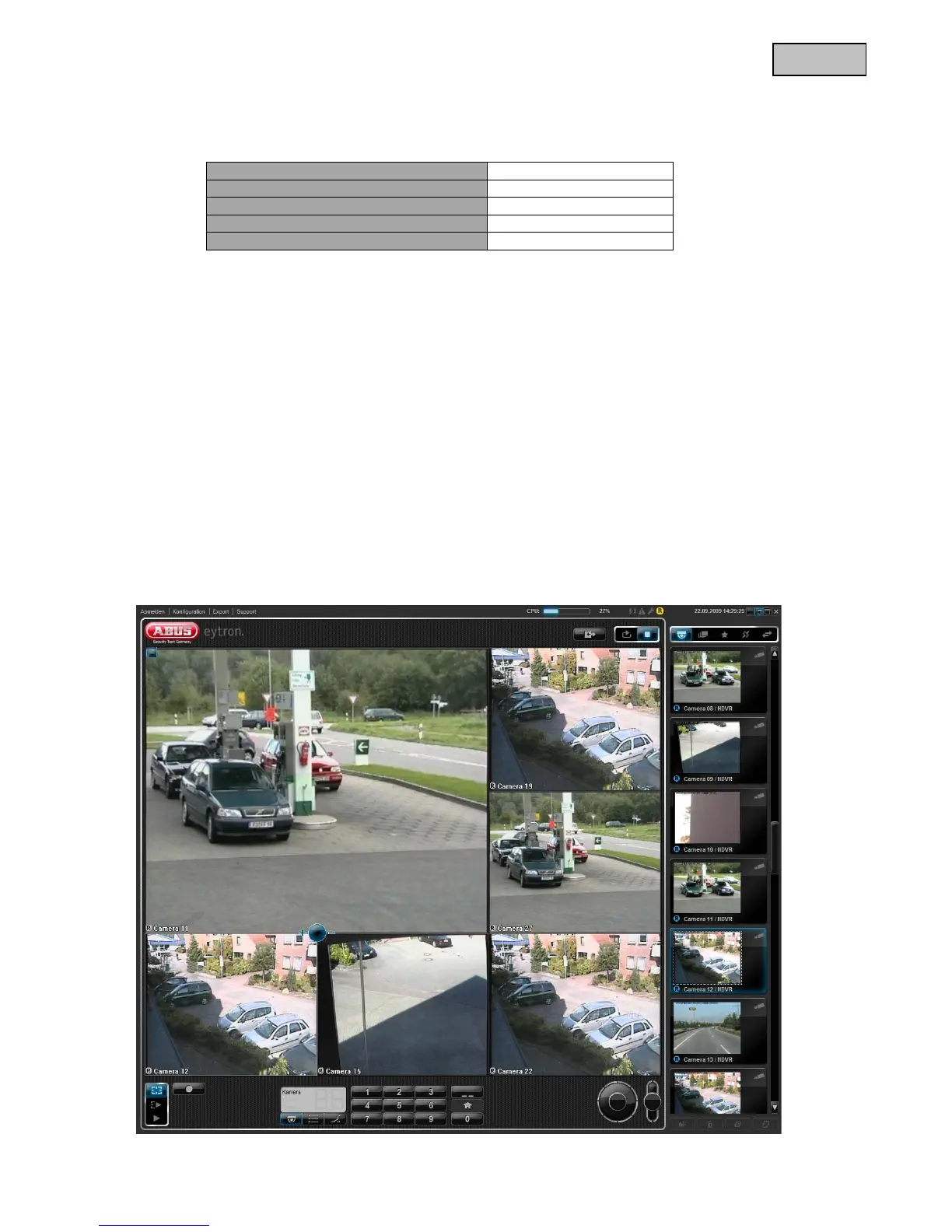
4.8 Connecting to the camera by using eytron VMS Express
The included CD contains the free recording software eytron VMS Express. This software enables you to
connect and display to several IP cameras and record these. Further information can be found in the manual
of the software located on the CD.



 To Next Page