105
English
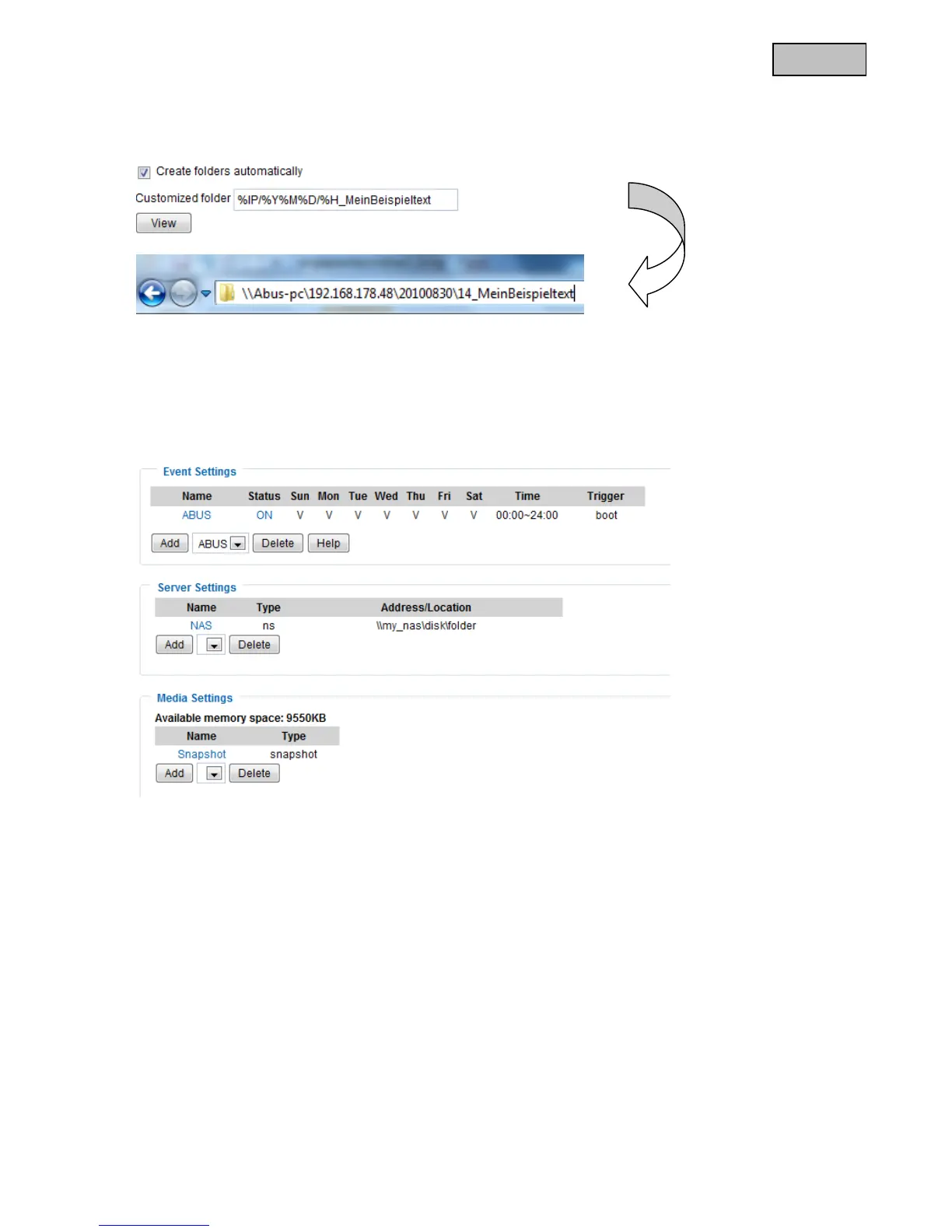
Example:
The following entry would generate this path.
13.2 Event set up
You can configure additional actions for the network camera here. If the settings for the guard mode are not
sufficient, or additional events are required for further alarming, you can use the normal event set up parallel
to this one. Configuration is similar to guard mode, the only restriction being that only one single event can be
used as a trigger. The settings for server and medium are identical to the guard mode.
13.2.1 Event Setup settings
Event setup
Click “Add” to create a new event. Up to 3 events can be set.
“Event name” Assign a unique name to the event, under which the event configuration is to be saved
“Enable this event” Select this option to activate the programmed result.
“Priority” Events with higher priority are completed first
“Detect next event after” Time between events to be executed (e.g.: with motion detection)



 To Next Page