55
3.13 Accessing the network camera over ABUS VMS
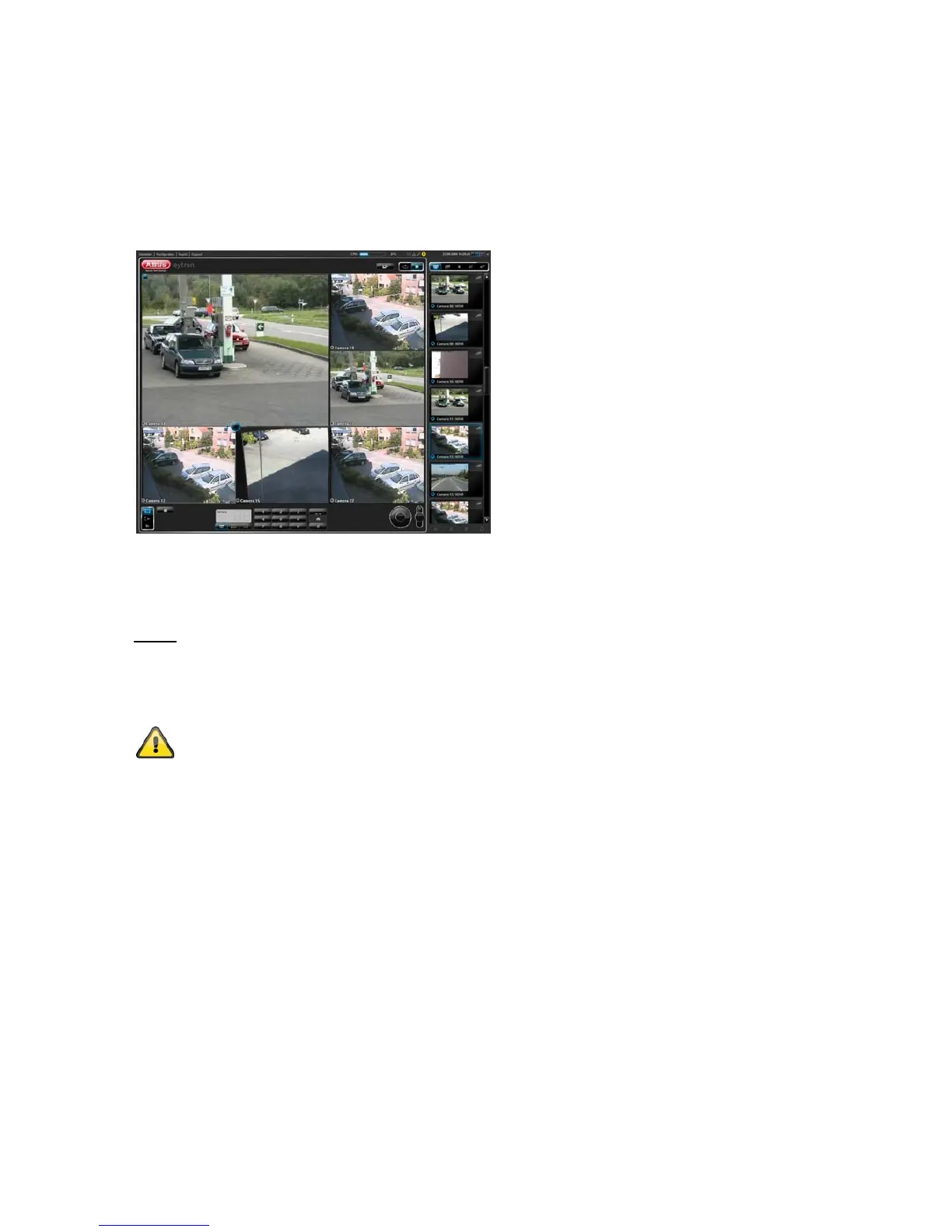
The free ABUS VMS Express recording software can be found on the supplied CD-ROM. You then have the
possibility of connecting and recording several ABUS Security-Center network cameras on one interface.
Further information can be found in the software manual on the enclosed CD-ROM.
To integrate the TVIP62500 camera in ABUS VMS or HDVR, it needs to be configured for the compression
type “H.264” in the video settings (caution: default standard for TVIP62500 is MPEG-4).
3.14 Accessing the network camera over ABUS NVR
Notes:
1) Please read the corresponding NVR device manual for information on the standard connection of network
cameras in ABUS network video recorders (NVR).
2) To integrate the TVIP62500 camera in NVR devices, the video setting must be set to the MPEG-4
configuration type (factory-set standard on TVIP62500).
The resolution and quality of the second RTSP stream used for a split-screen view (narrow
band) can be changed in the camera.



 To Next Page