60
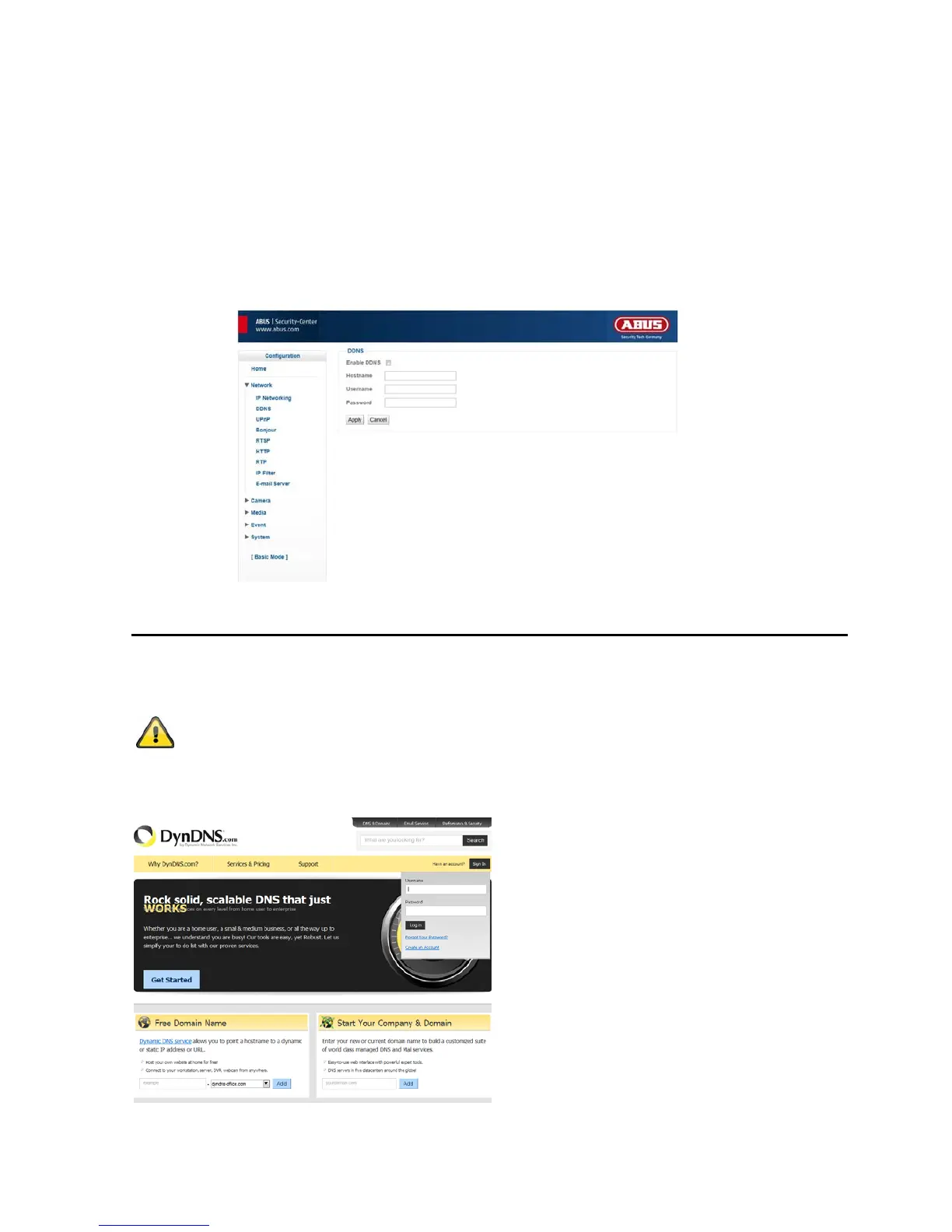
Enable DDNS: Checking this box activates the DDNS function.
Server: Select a DDNS service provider here. You must have registered access for this DDNS service
provider (e.g. www.dyndns.org).
Alternatively you can select ABUS Server function (further information under www.abus-
server.com).
Host Name: Enter the registered domain name (host service) here (e.g. myIPcamera.dyndns.org).
User Name: User ID for the DDNS account.
Password: Password for the DDNS account.
Setting up a DDNS account
Set up a new account as follows under DynDNS.org:
An up-to-date manual for setting up and using the DynDNS function can be found on
the ABUS Security-Center homepage.



 To Next Page