92
Accept the settings by pressing “SAVE” or cancel them by pressing “Cancel”. If
the network configuration is changed, then the camera must be restarted (System
\ Initialize \ Restart).
PPPoE
PPPoE:
Here you can manually enter the data for your Internet access made available by
your ISP (Internet service provider). This is necessary if the IP camera is directly
connected to the Internet (without a router).
IP address:
The IP address is automatically obtained if the user ID and password of your
Internet access is correct and a connection to the ISP exists.
User ID:
User ID of your Internet access (up to 64 characters)
Password:
Password of your Internet access (up to 32 characters)
Repeat password:
You need to confirm your password here.
Automatically obtain a DNS server address:
Activate this to automatically determine the DNS server
address.
Use the following DNS server address:
If the DNS server address is not automatically assigned by
your ISP, it can be manually assigned here.
Primary DNS server:
First server address with which the camera attempts to
convert DNS names into IP addresses.
Secondary DNS server:
Alternative server address with which the camera attempts
to convert DNS names into IP addresses.
Accept the settings by pressing “SAVE” or cancel them by pressing “Cancel”. If
the network configuration is changed, then the camera must be restarted (System
\ Initialize \ Restart).
DDNS
DynDNS or DDNS (dynamic domain name system entry) is a system that can update domain name entries in
real time. The network camera is equipped with an integrated DynDNS client that updates the IP address
independently via a DynDNS provider. If the network camera is located behind a router, we recommend using
the DynDNS function of the router.
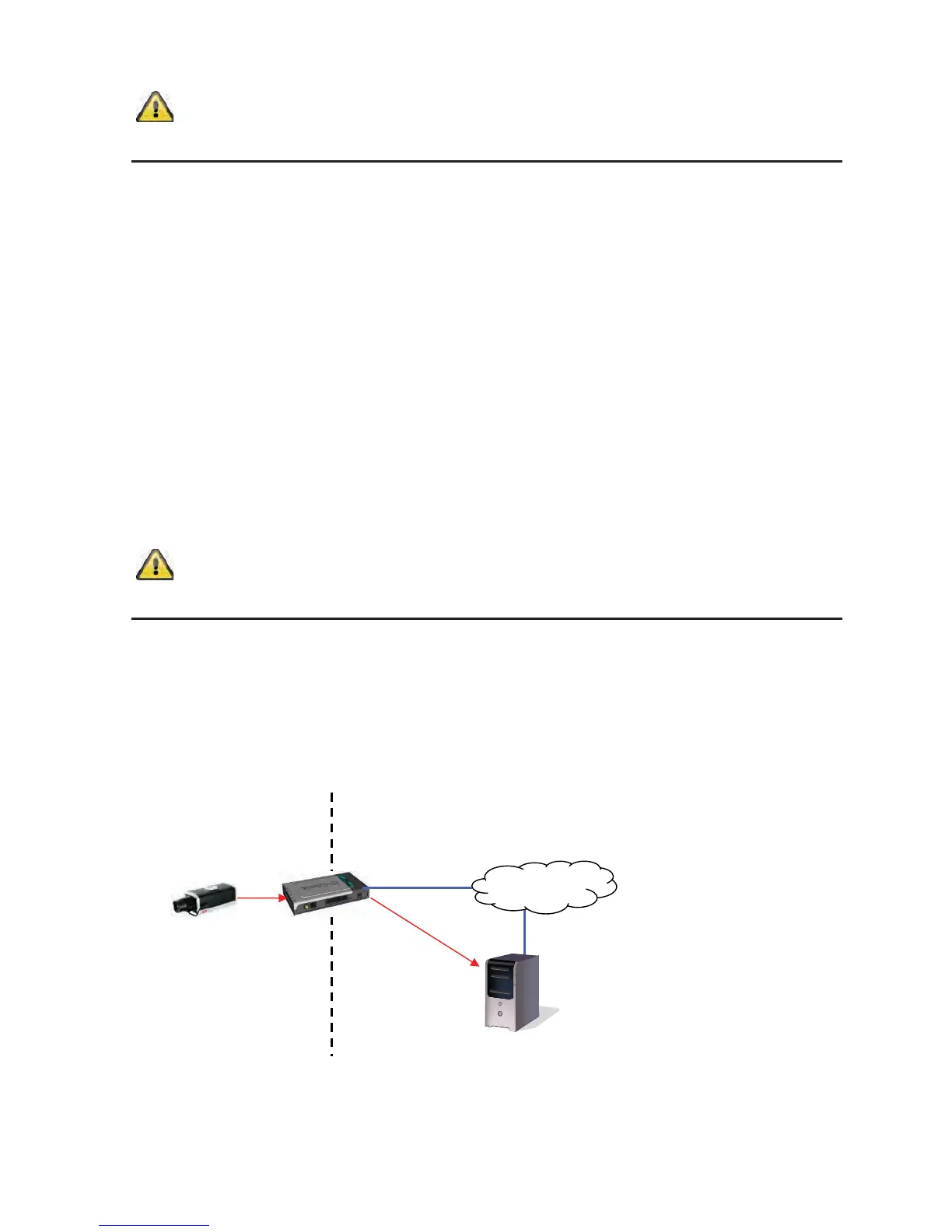
The following diagram offers an overview of accessing and updating the IP address using DynDNS.
DynDNS.org
Name Server



 To Next Page