93
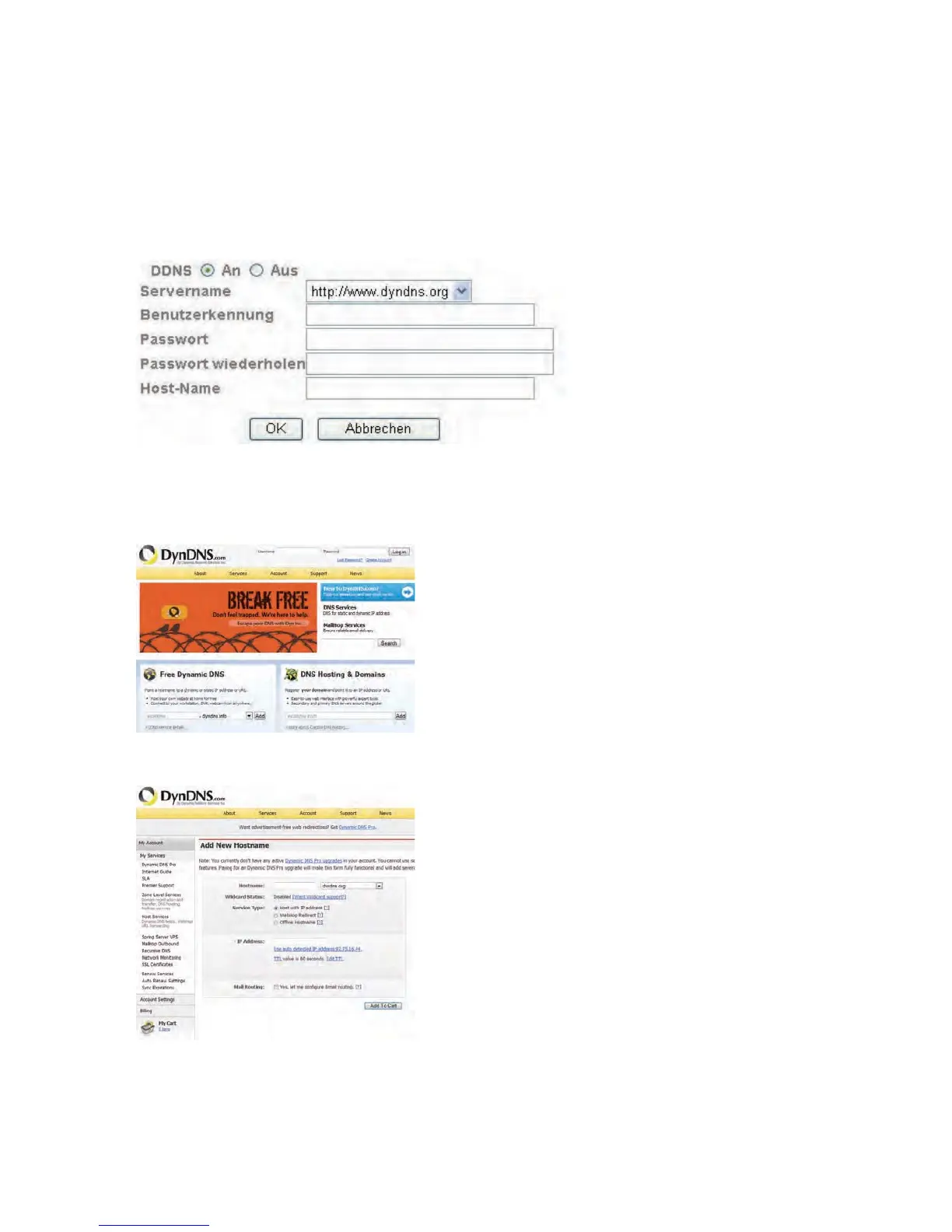
DDNS: Activates or deactivates the DDNS function.
Server name:
Select a DDNS service provider. You must have registered access to this DDNS
service provider (e.g. www.dyndns.org).
User ID:
User ID of your DDNS account
Password:
Password of your DDNS account
Repeat password:
You need to confirm your password here.
Host name:
Enter your registered domain name (host service) here (e.g.
myIPcamera.dyndns.org).
Setting up a DDNS account
Set up a new account as follows under DynDNS.org:
Store your account information:
Note down your user data and enter this into the configuration of the network camera.



 To Next Page