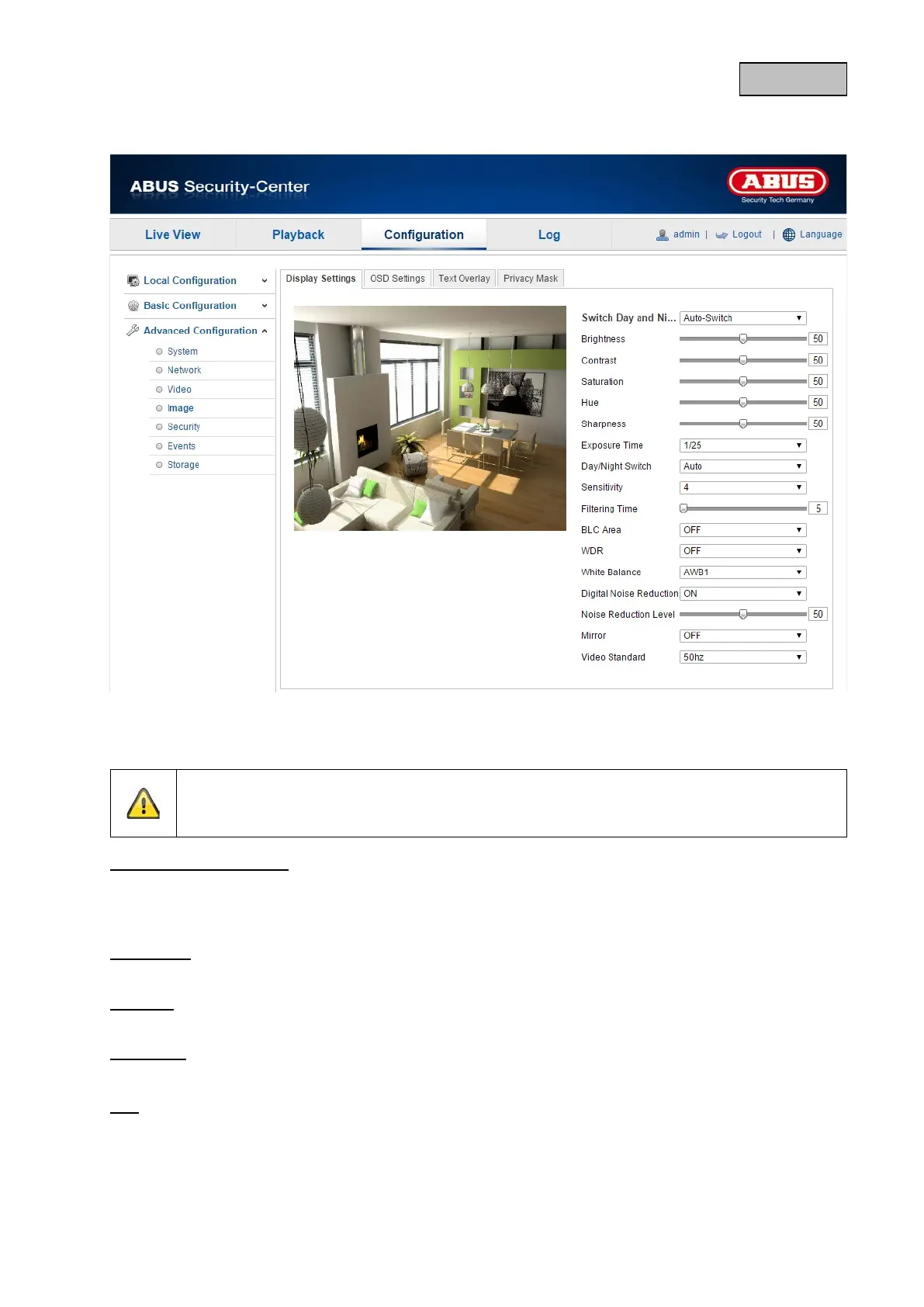
12.3.4.1. Display Settings
You can use this menu item to set the picture quality of the camera, including brightness, sharpness,
contrast, etc.
Please note:
The display setting parameters can vary depending on the model.
Day and night switching
Here, you have the option between automatic day & night switch and the scheduled switch. A start
and end time must be saved for the day mode here.
The following settings can be made individually for the day or night mode.
Brightness
Image brightness settings. A value between 0 and 100 can be set.
Contrast
Image contrast settings. A value between 0 and 100 can be set.
Saturation
Image saturation settings. A value between 0 and 100 can be set.
Hue
Setting for the image hue. A value between 0 and 100 can be set.
104


 To Next Page
 Loading...











