11. Playback
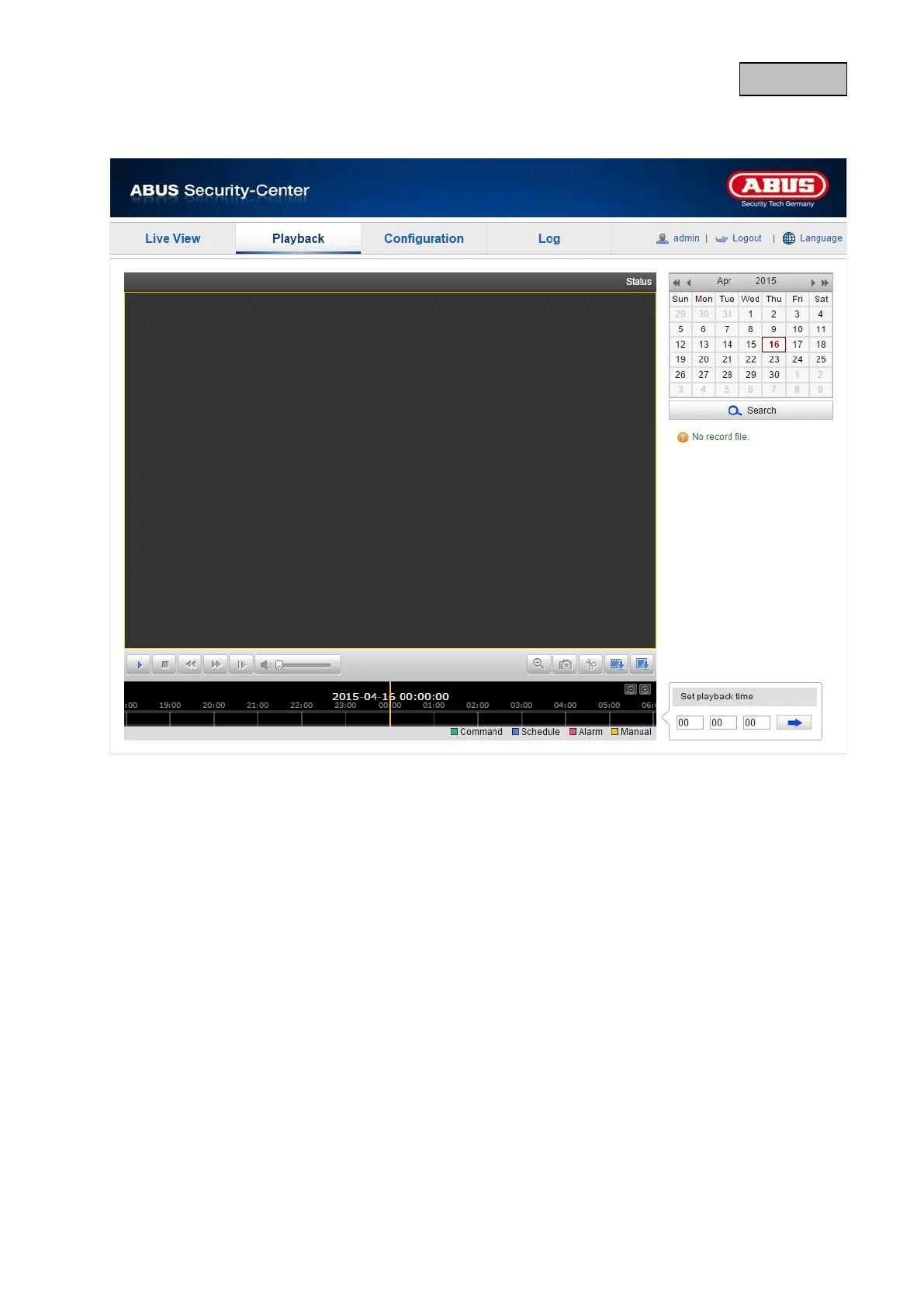
In playback, you can play back data that is recorded on the microSD card. Select the desired day in
the calendar and click on "Search".
The recordings for the selected day are shown in the timeline. The coloured labelling indicate the
nature of the event that triggered the recording.
You can set the time of the desired recording under playback time.
81


 To Next Page
 Loading...











