13. Log
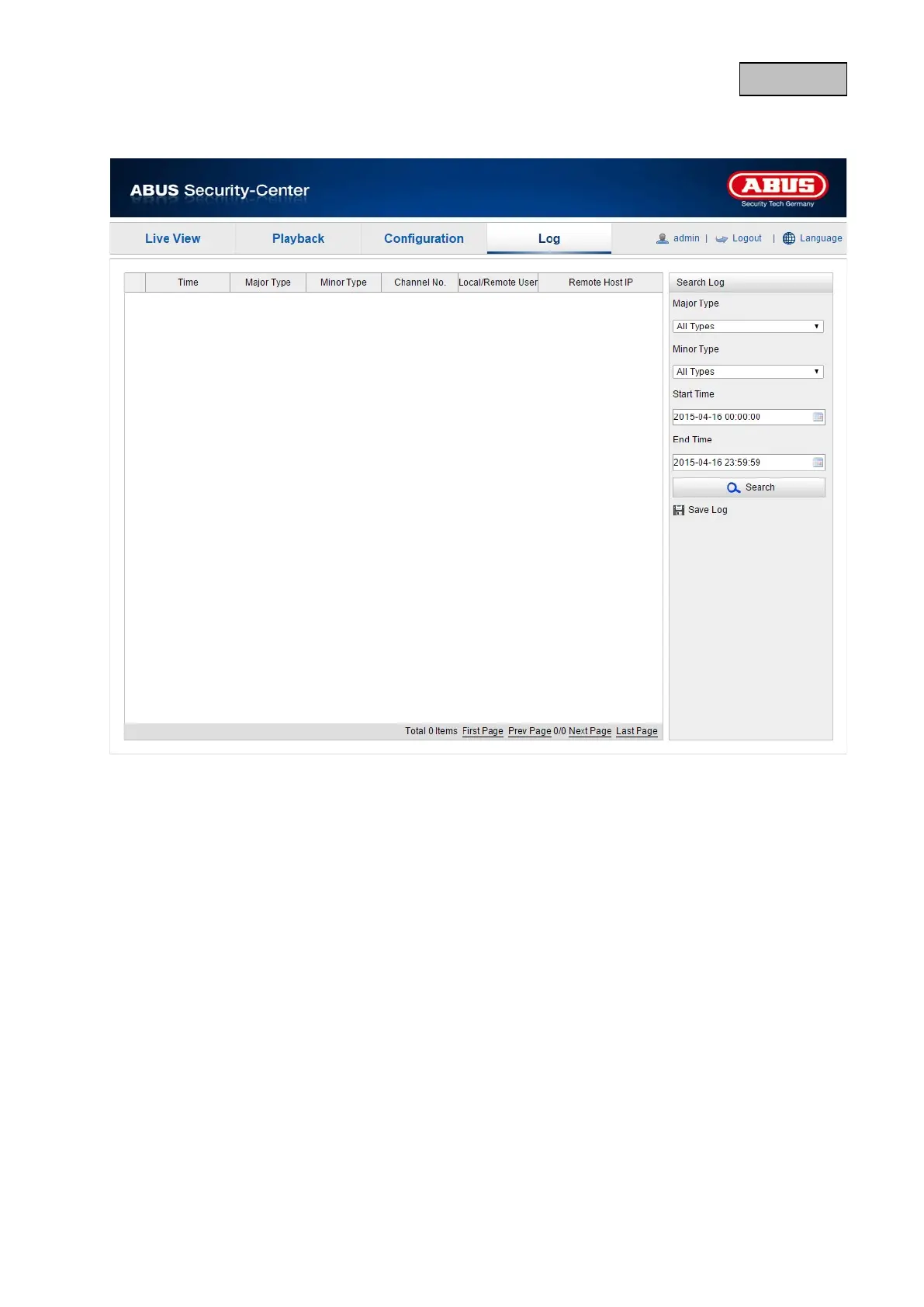
Camera parameters, such as alarm, exceptions, operation and information can be saved in the log
files. The files can be exported if necessary.
1. Click on Log in the menu bar to call up the search dialogue.
2. Specify the search criteria, including Major Type, Minor Type, Start Time and End Time.
3. Click on Search to search for log files. The corresponding log files are displayed in the log dialogue.
4. Click on Save Log to export the log files and save them on your computer.
124


 To Next Page
 Loading...











