10.2. Live image display
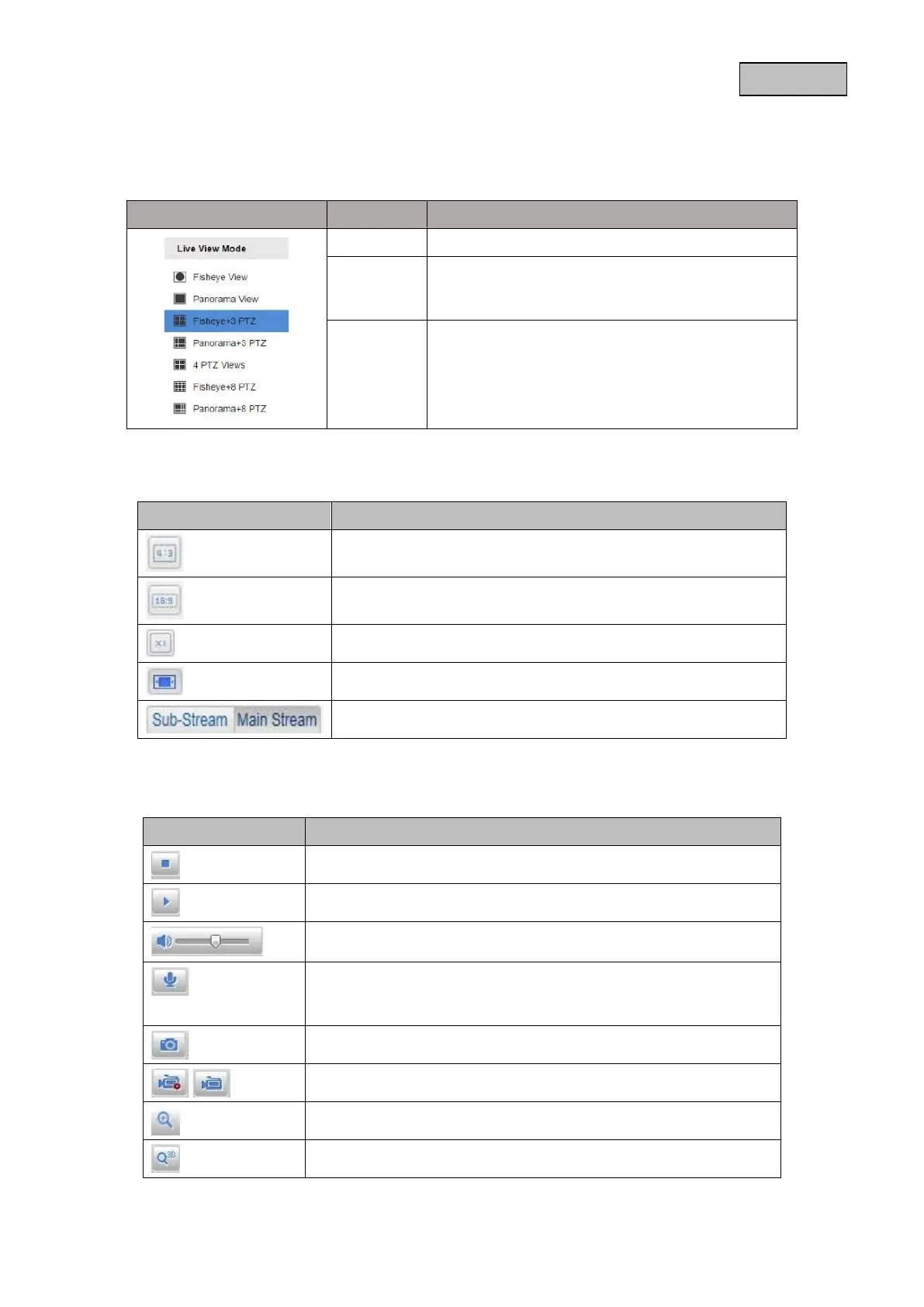
You can select from the various live view modes using the buttons on the left-hand side.
Button View Description
Fisheye 186° view with fisheye effect.
Panorama 186° view. The fisheye effect is straightened out,
meaning that the outer edges of the images in this
view are slightly distorted.
PTZ Linking PTZ is a single image section from the fisheye
view, with the option to pan, tilt and zoom.
The zoom function is digital.
Presets and patrols can be set up and triggered
within a PTZ view.
You can access the full screen view by double clicking on an image window.
Button Description
Activate 4:3 view
Activate 16:9 view
Display original size
Automatically adjust view to browser
Selection of the streaming type for the live view
10.3. Audio/video control
Button
Description
Disable live view
Enable live view
Disable/enable audio, adjust volume
Microphone on/off, If the microphone is activated, then two-way
communication from the PC to the camera is possible. (Audio
output on the camera)
Instant image (snapshot)
Start/stop manual recording
Digital zoom on/off
Start/stop 3D zoom
78


 To Next Page
 Loading...











