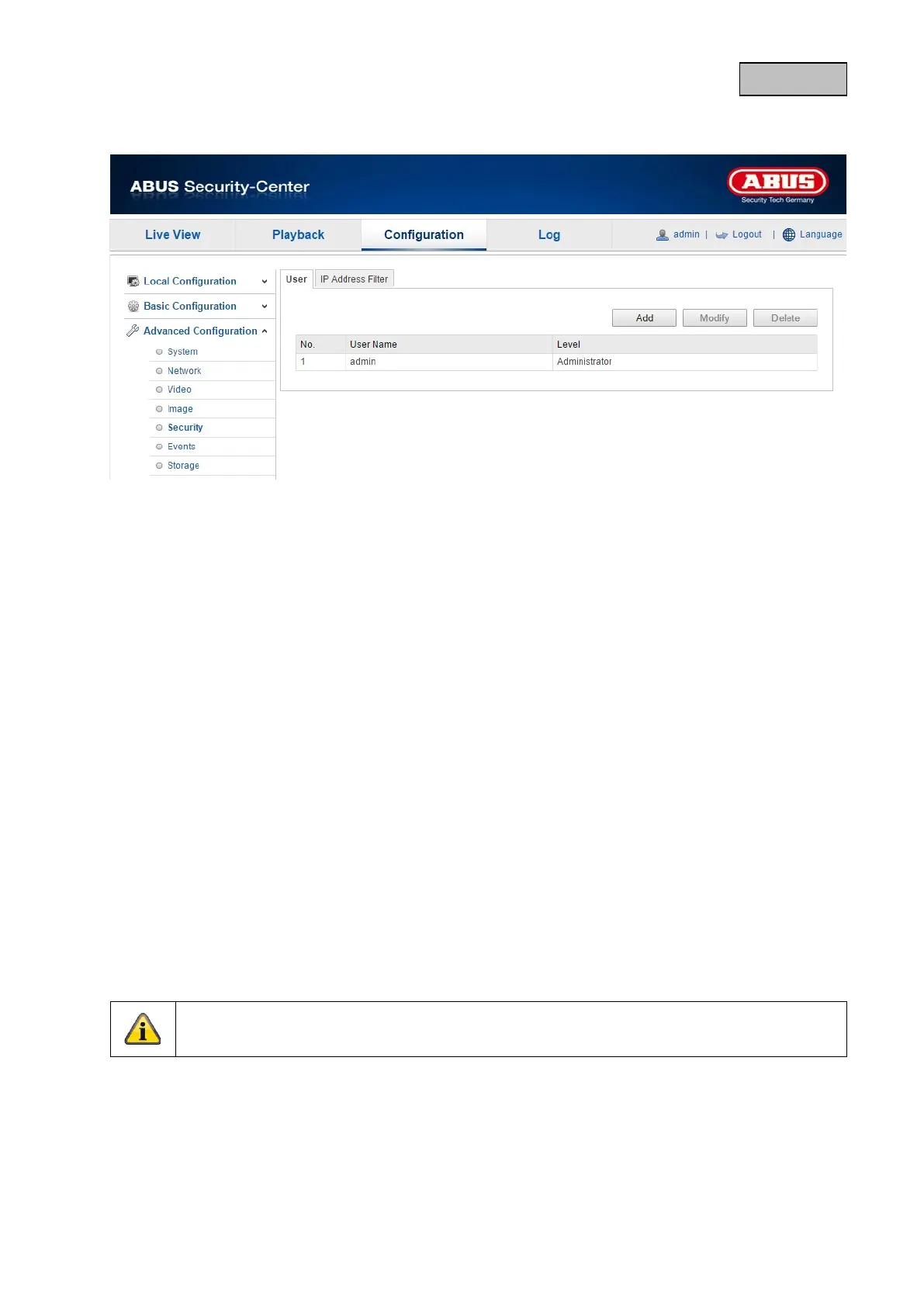
12.3.5.1. User
With this menu item, you can add, edit or delete users.
To add or modify a user, click "Add" or "Modify".
A new window with the data and authorisations appears.
User name
Here you assign the user name that needs to be entered for access to the camera.
Level
Select an individual user type for the user ID.
You can choose between two predefined levels: "Operator" or "User".
As an operator, the following remote functions are available to you: Live view, PTZ control, manual
recording, playback, two-way audio, browse/query operating status.
As a user, the following remote functions are available to you: playback, browse/query operating
status.
To add further functions, select the corresponding checkbox.
Password
Here you assign the password that the corresponding user must enter to access the camera.
Confirm
Confirm the password by entering it again.
Apply the settings by clicking "OK".
Click "Cancel" to discard the data.
111


 To Next Page
 Loading...











