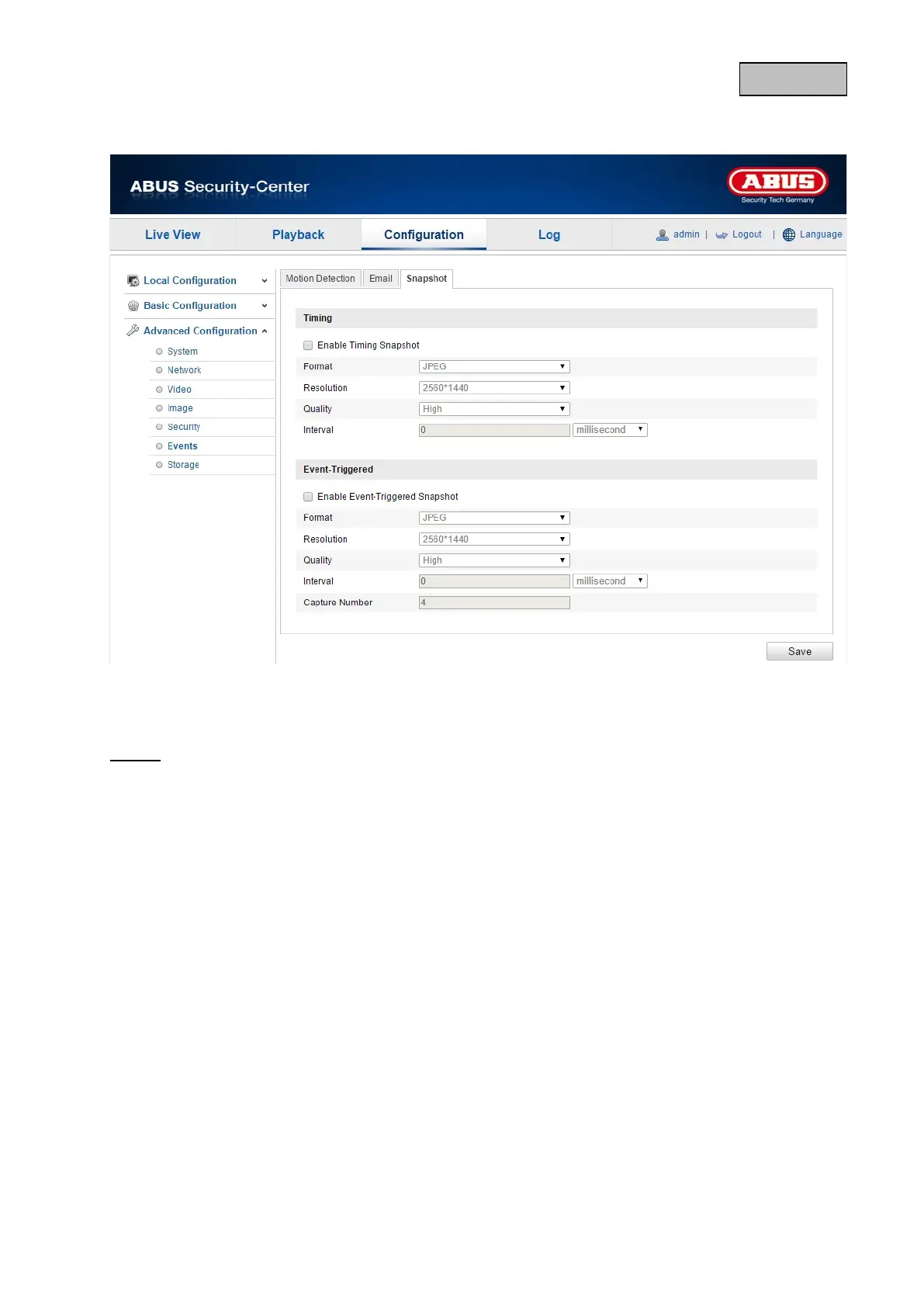
12.3.6.3. Snapshot
Here, you can set the configuration for time and event-triggered snapshots in order to be able to save
them to the microSD card.
Timing
Enable Timing Snapshot
Enable this function to save pictures at certain intervals.
Format
The format for the pictures is preconfigured as JPEG.
Resolution
Set the resolution of the picture here.
Quality
Select the quality for the saved pictures here.
Interval
Set the interval to occur between the saving of two pictures here.
118


 To Next Page
 Loading...











