10.4.3. Patrol settings
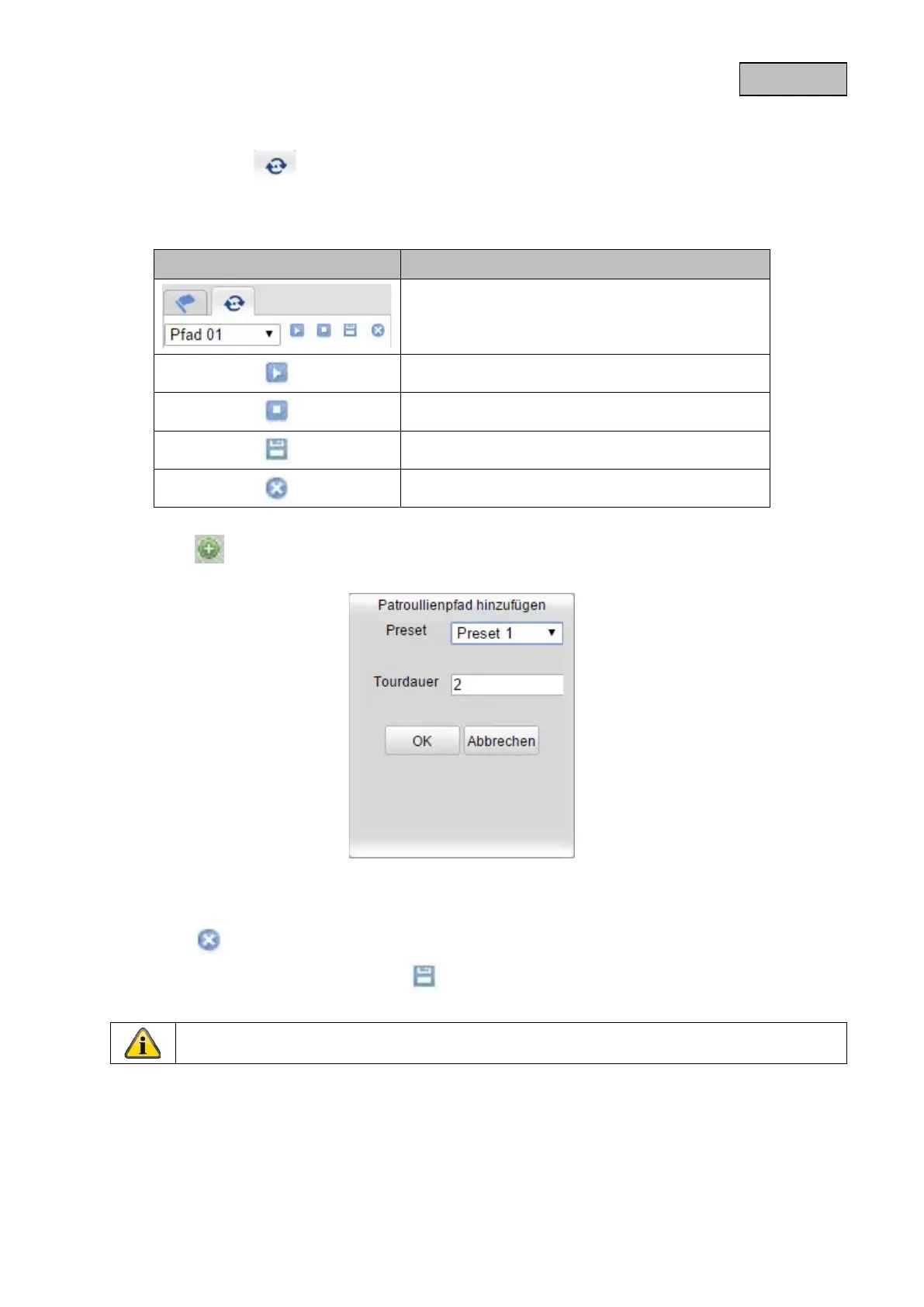
Select the Patrol tab to be able to start, configure and delete up to 32 patrols.
The patrol settings are only available in PTZ live view mode.
Button Description
Select the desired patrol
Start the patrol
Stop the patrol
Save the patrol
Delete the patrol
Click on the button below to add a preset to the patrol.
Then select the presets you would like to add to the patrol. Under Duration, set the number of seconds
for which the preset should be triggered.
Click on the button next to a preset to remove it from the patrol.
Add the desired presets and then press the button to save the patrol.
It is only ever possible to start one patrol for a PTZ view.
80


 To Next Page
 Loading...











