10.4. Camera control
10.4.1. PTZ control
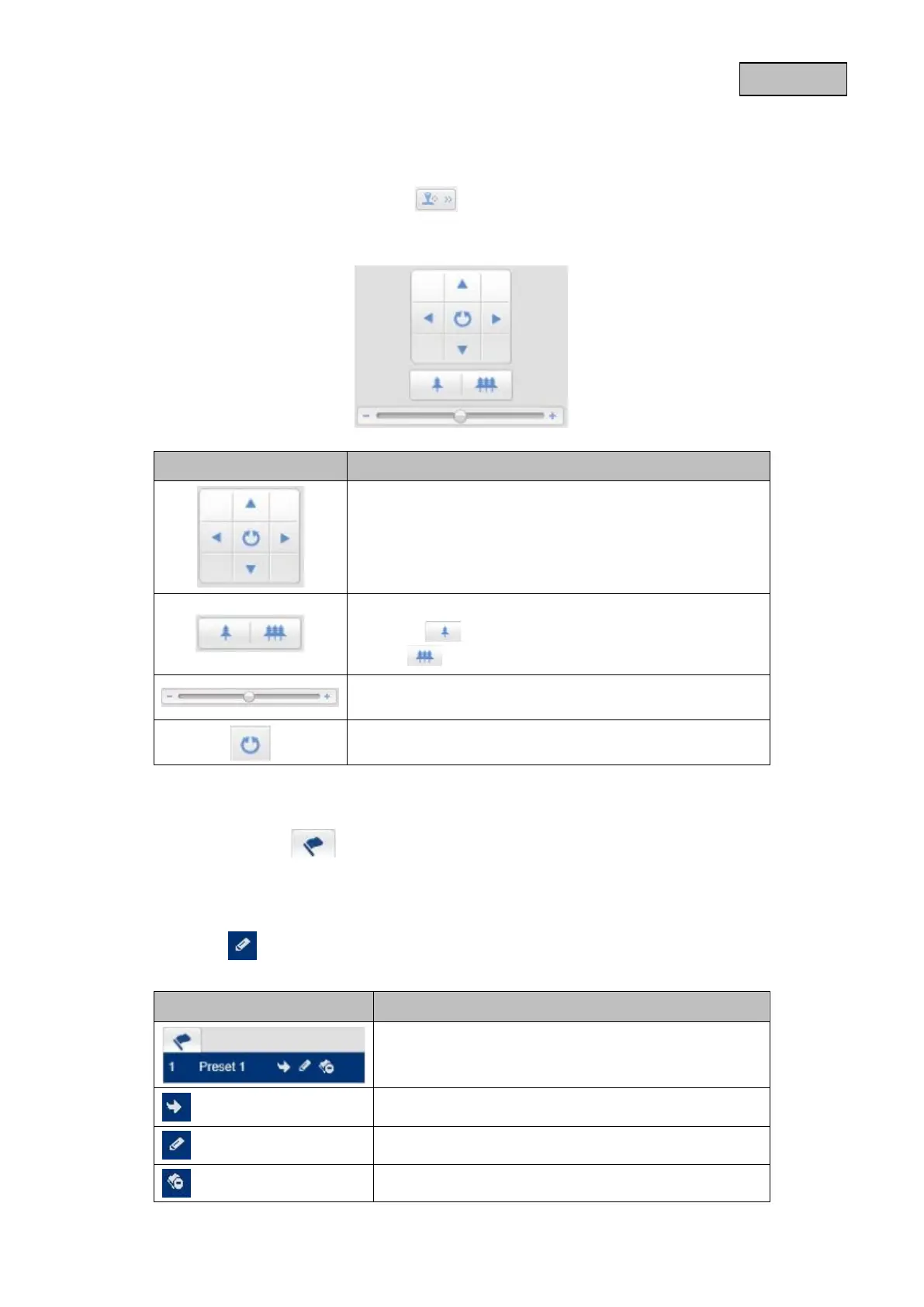
To display the PTZ control, click on the field in the live view.
PTZ control is only possible in PTZ live view mode.
Button Description
Arrow buttons:
Control the pan and tilt movements
Zoom in/out
Press the button to increase the level of digital zoom
and the button to decrease the level of digital zoom.
Adjust the PT speed
Start/stop 360° rotation
10.4.2. Preset settings
Select the Preset tab to be able to call up, set and delete up to 32 preset positions. Use
the PTZ control buttons to select the desired position.
The preset settings are only available in PTZ live view mode.
Click on the
button to create the preset.
Button Description
Select the desired preset position. The selected
position has a blue background
Call up the position
Create the position
Delete the position
79


 To Next Page
 Loading...











