81
9.2 Live image display
You can access the full-screen view by double-clicking.
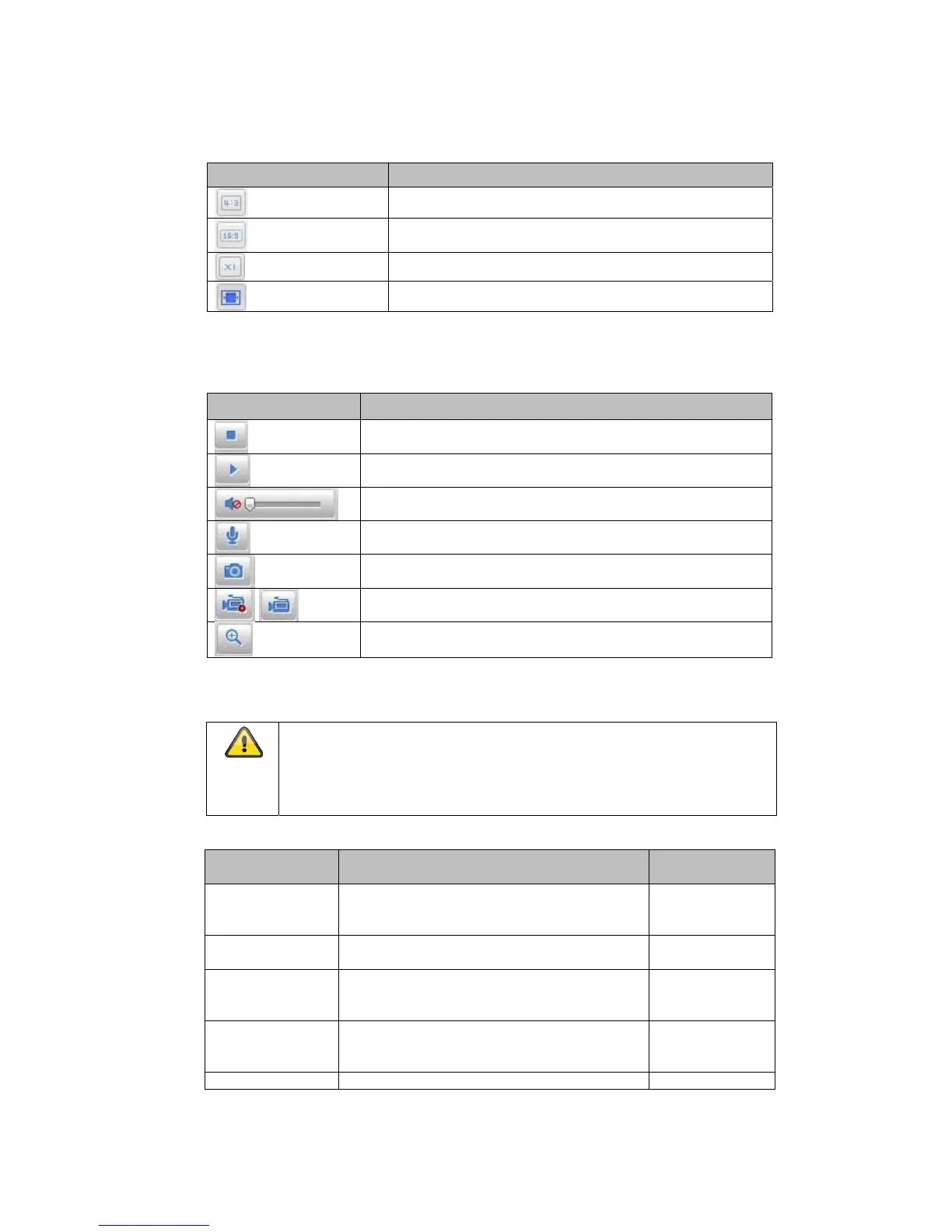
Button Description
Activate 4:3 view
Activate 16:9 view
Display original size
Automatically adjust view to browser
9.3 Audio/video control
Button
Description
Disable live view
Enable live view
Disable/enable audio, adjust volume (TVIP83900)
Microphone on/off (TVIP83900)
Instant image (snapshot)
Start/stop manual recording
Digital zoom
9.4 Live view mode
The availability of the options in the live view differs according to
whether real-time mode is enabled or disabled
(Configuration/System/Fisheye Parameters).
The
Button
Description
Available in
mode
Fisheye View
360-degree mode in full-screen display
Real-time
Mode/Normal
Mode
Panorama View Quadrants are summarised in two panorama
halves
Normal Mode
Fisheye+3 PTZ One quadrant displays the 360° fisheye
image, the other three quadrants are
displayed as virtual PTZ cameras
Normal Mode
Panorama+3 PTZ One quadrant displays the panorama image,
the other three quadrants are displayed as
virtual PTZ cameras
Normal Mode
4 PTZ Views Four quadrants as virtual PTZ cameras Real-time Mode



 To Next Page