129
10.3.8 Storage
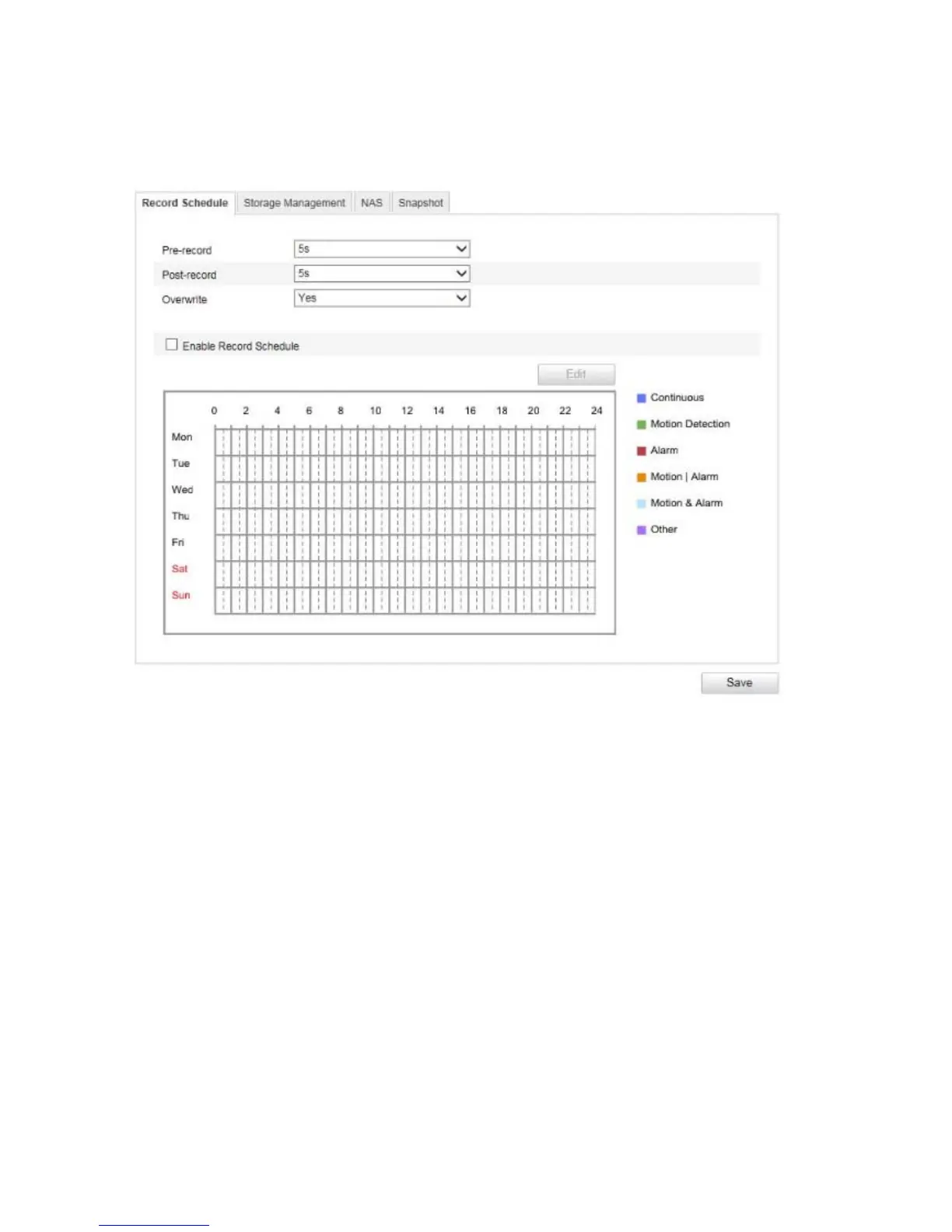
10.3.8.1 Record schedule
Here, you can set the configuration for time and event-triggered recordings in order to be able to save them to
an SD card.
Pre-record
Set the duration for recording of the image data before a basic event here.
Post-record
Set the duration for recording of the image data after a basic event here.
Overwrite
Set here whether the recording should be automatically overwritten if the storage capacity is full.
Enable Record Schedule
Enable the schedule to store the desired schedule.
To store the schedule, click 'Edit'. A new window opens.



 To Next Page