108
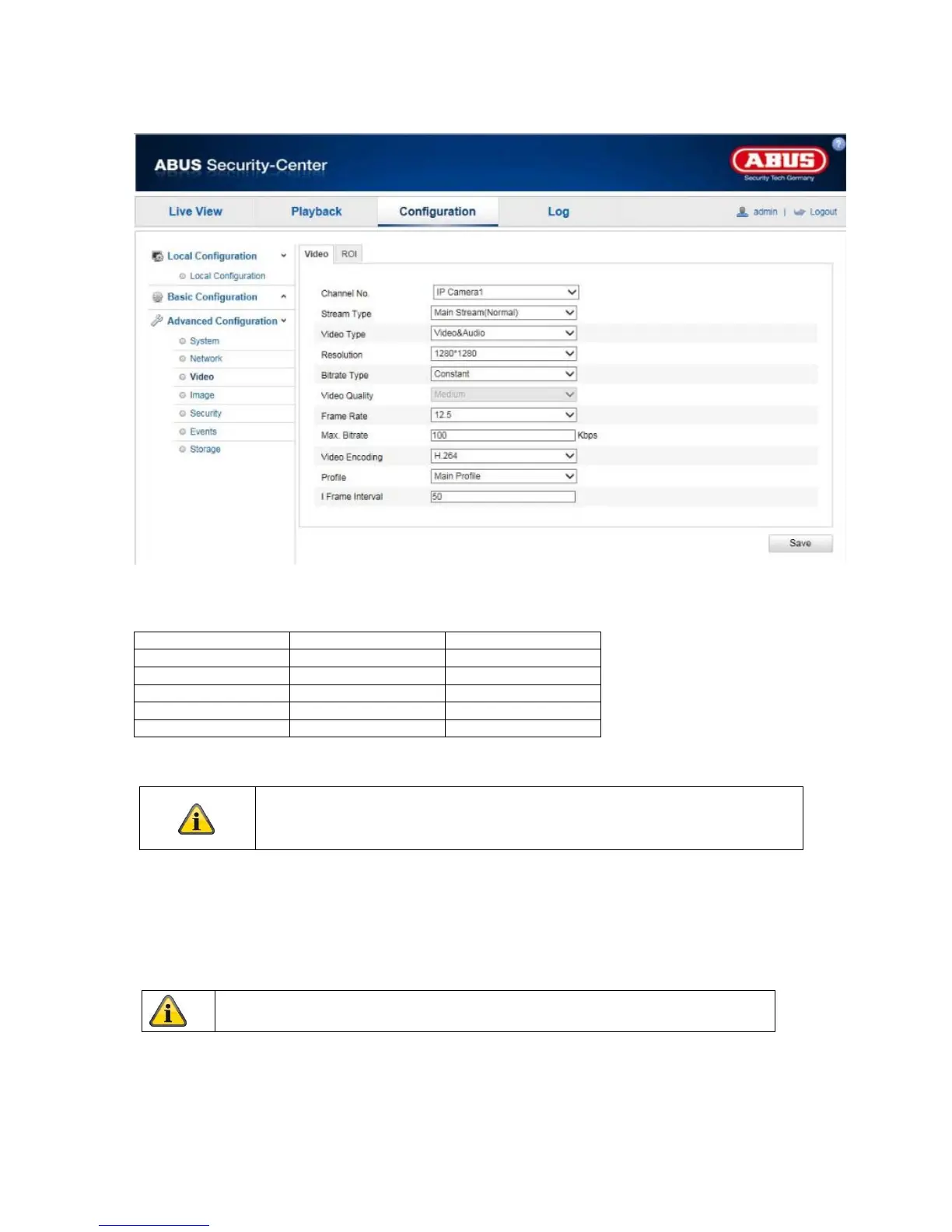
10.3.3.1 Video
Channel Number
Select one of the five subchannels for setting the video parameters.
Channel Number Normal Mode Real-time Mode
1
Fisheye Fisheye
2
Panorama PTZ
3
PTZ PTZ
4
PTZ PTZ
5
PTZ PTZ
Stream Type
The camera has one stream per channel ('Main Stream (Normal)'). There are no other options available.
Video Type
Select either 'Video' or 'Video&Audio' for the stream type (TVIP83900 only).
Resolution
Set the resolution of the video data here.
In realtime mode either the fisheye view or 4 PTZ views can be displayed in
browser or recording device. Display all 5 channels simultaneously is not
possible.
The audio signal is only recorded if 'Video&Audio' is selected as the stream type.



 To Next Page