111
10.3.3.3 ROI 'Region of Interest'
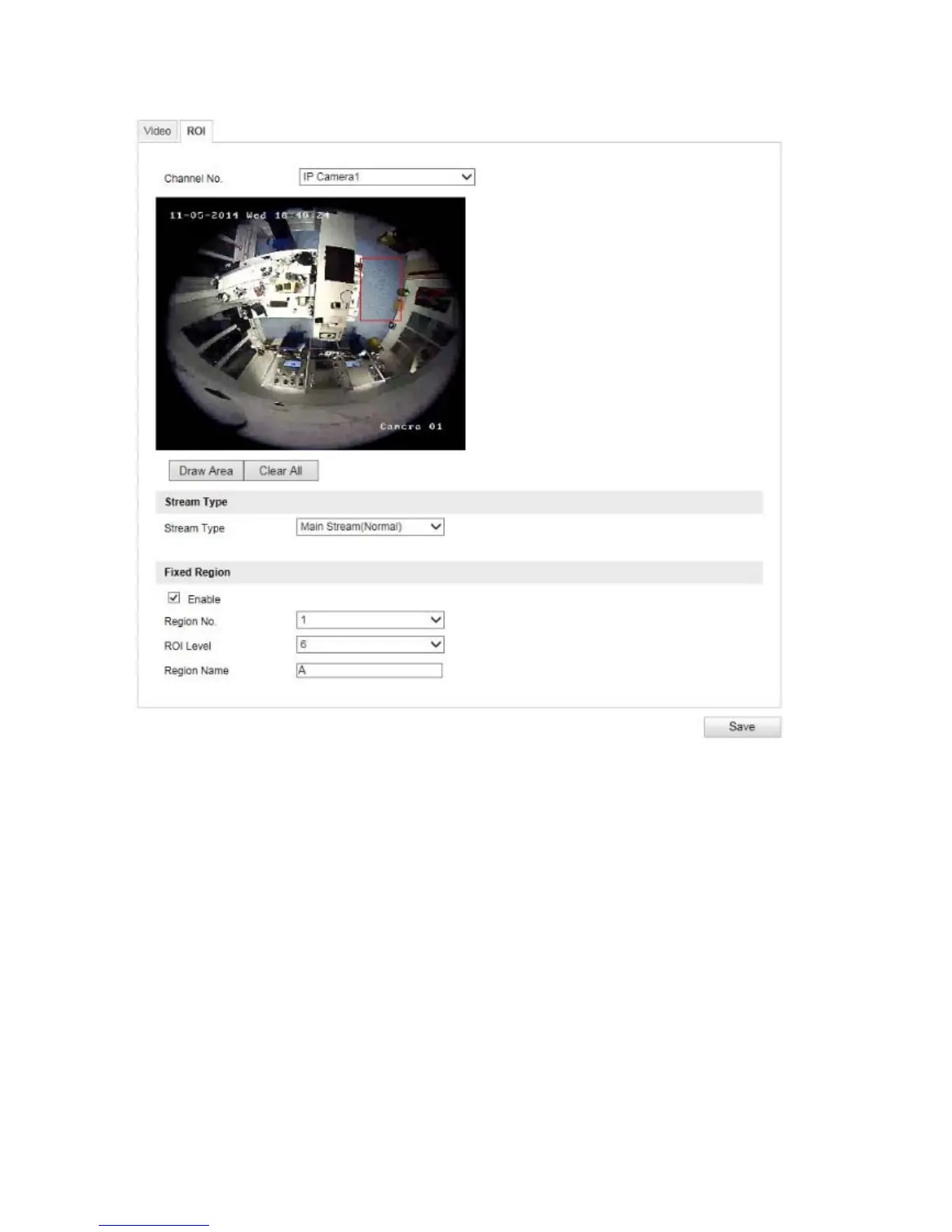
The 'Region of Interest (ROI)' function defines areas in the video image which are transmitted at a higher
bitrate than the surrounding areas.
Channel Number: selection of the channel number for adding ROIs.
Draw Area: Depiction of up to four ROI areas per channel (the region number must be changed below for a
new
area).
Clear All: Delete all ROI areas in the video image.
Stream Type
Stream Type: ROI can only be used in the Normal Stream (Main Stream).
Fixed Region
Enable: Tick the selection box to enable all areas.
Region No (1–4): Select the four areas (four areas for each channel).
ROI Level (1–6): When using the value '6' the selected areas will be compromised the least (and therefore the
highest possible quality will be achieved).
Region Name: Assign a name to the region.



 To Next Page