126
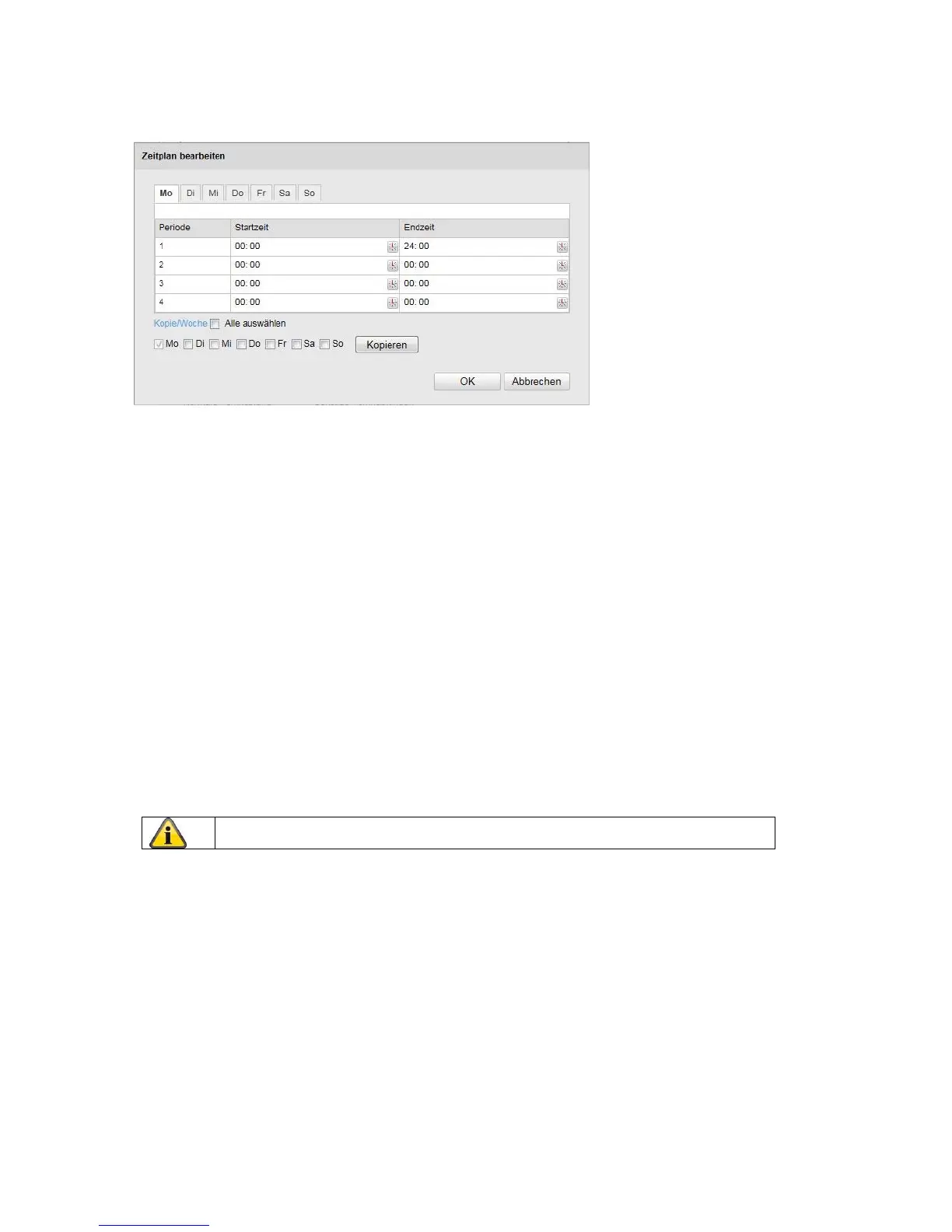
A new window appears. Specify here on which days of the week and at which times the alarm input should be
enabled.
Now select a day of the week for the alarm input. To store particular time periods, enter a start and end time.
To activate the alarm input all day, select 00:00 as the start time and 24:00 as the end time.
To apply the settings for all days of the week, click the 'Select All' checkbox. To copy the settings to other
days of the week, select the day of the week and click on 'Copy'.
To apply the changes, click 'OK' and to discard them click 'Cancel'.
Linkage Method
Here you can set the action to be performed following motion detection.
Normal Linkage
Send email: You receive an email as notification; check the checkbox to activate this.
Upload to FTP:
Check this checkbox in order for the alarm input to be uploaded to an FTP server.
Other Linkage
You can set the alarm output to switch when an alarm is detected.
To switch on alarm output 1, select 'A->1'.
Apply the settings by clicking 'Save'.



 To Next Page