27
English
Hardware Installation
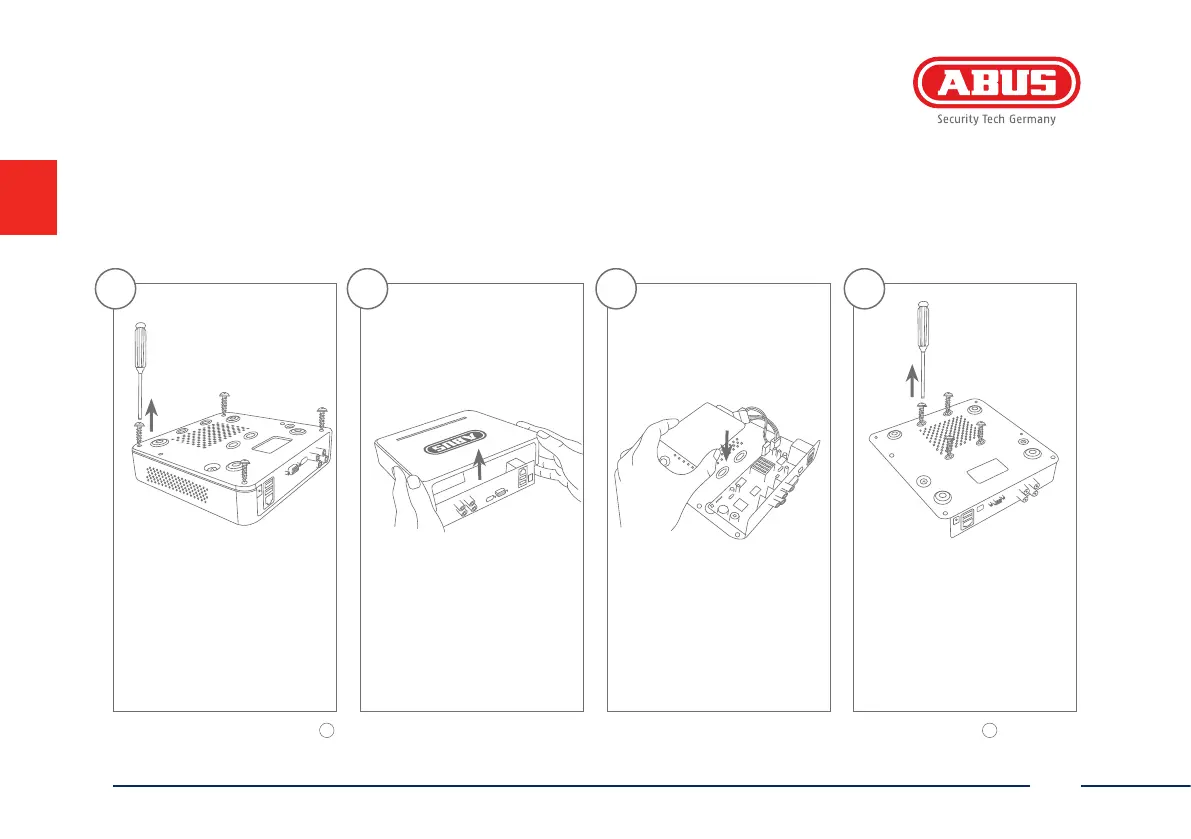
Remove the 4 screws on the
underside of the recorder.
Open the box carefully. Align the hard disk drive
with the base plate of
the recorder.
Please ensure that you begin with step
1
for the hardware installation of TVVR33004. The hardware installation for the video surveillance kits TVVR33204 starts at step
8
, as the hard
disk drive is pre-installed for these models.
Secure the hard disk drive
onto the underside of
the recorder with the
accompanying screws.
1 3 42



 To Next Page