33
English
So ware Set-up
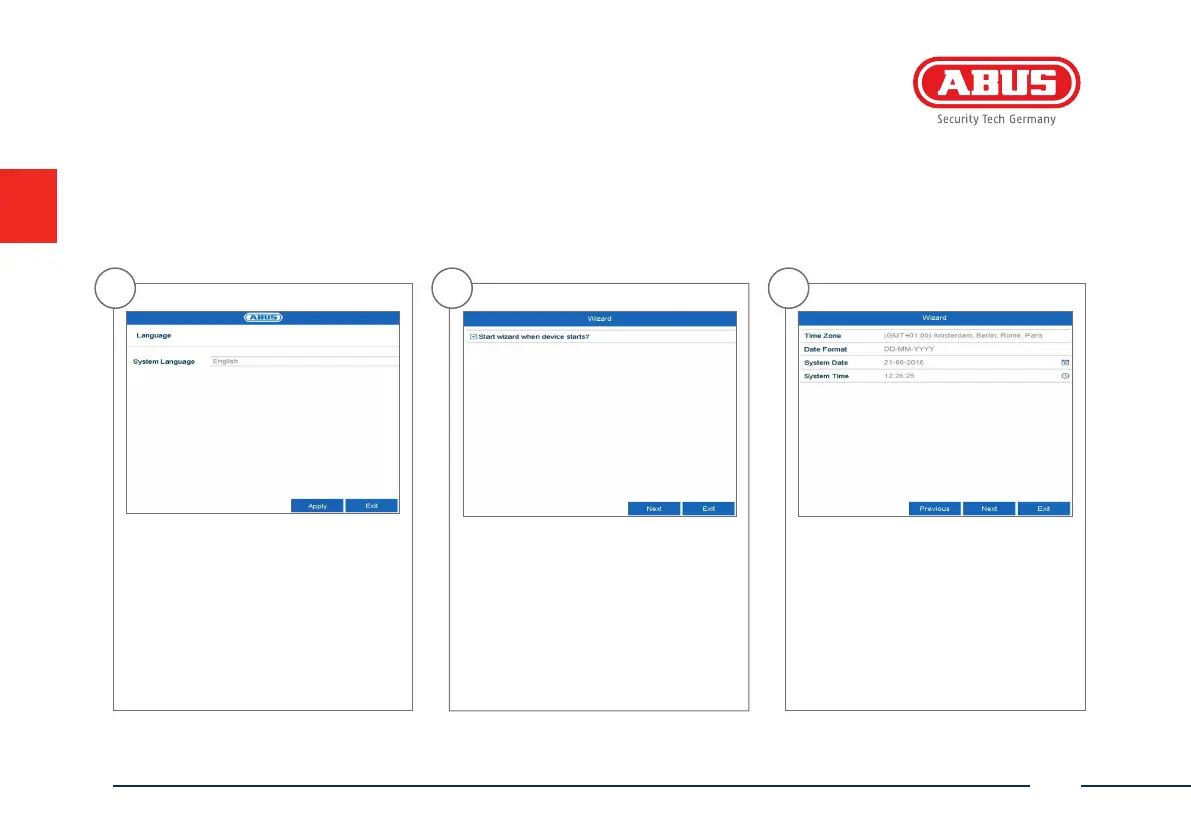
1
Select the desired language and click
“Apply”.
2
If you untick the checkbox, the set-up
wizard will not automatically pop up
the next time the so ware starts up.
Click “Next”.
3
Specify time zone, date and system
time. Continue by clicking „Next“.



 To Next Page