31
English
Admin password:
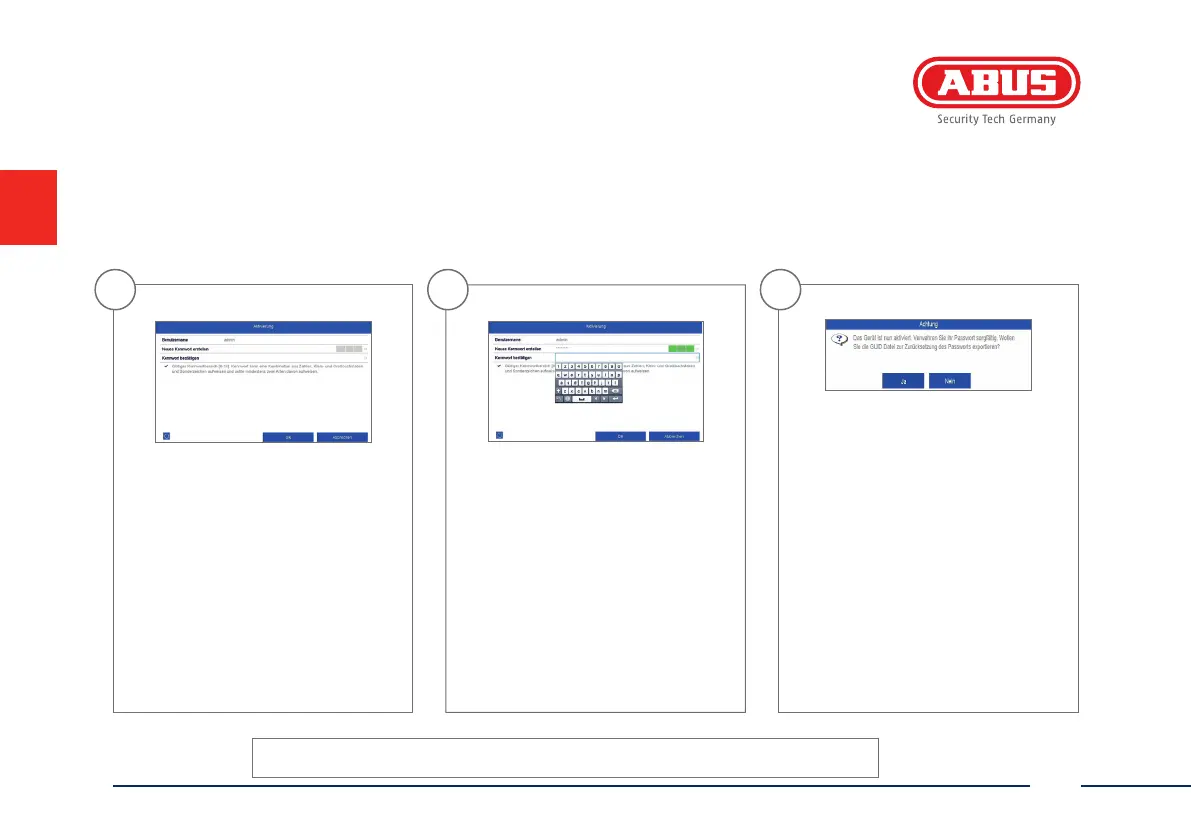
System activation
1
In the eld ‘New password’ enter
a password for the admin user. The
password must meet the speci ed
minimum requirements.
Recommendation: Use a password
that is as complex as possible and is
classi ed as ‘strong’.
2
Re-enter the password to con rm it.
Make a note of the password in the
quick start guide as well and keep it
in a safe place. The admin password
can only be reset by ABUS technical
support.
3
The device is activated and all of its
functions can now be used.
You will require the GUID le in order
to reset the password yourself. Export
the le on to a USB stick and store it
securely.
Note: Due to the pre-set default
language, the arming process is
always in German. Language-
independently, you can activate the
recorder with the ABUS IP-Installer
via the network.



 To Next Page