36
English
11
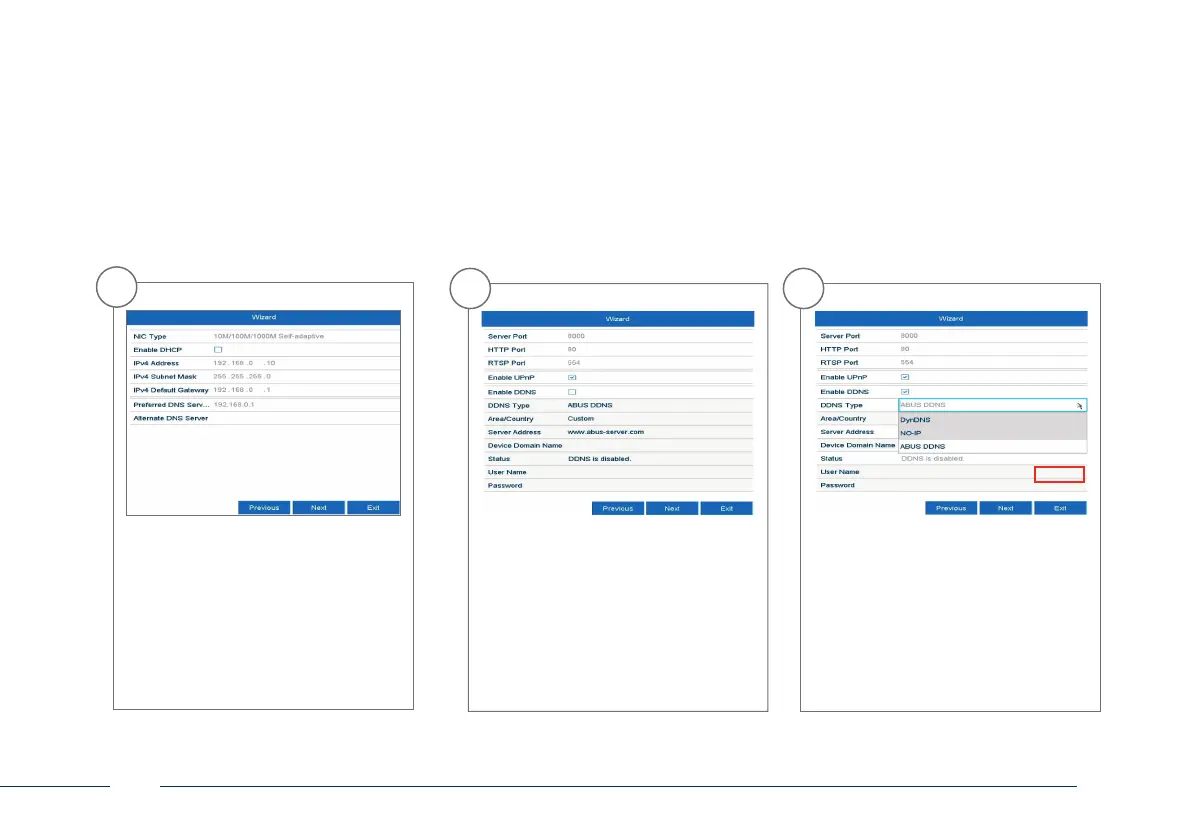
You can manage and, if necessary,
edit your ports here. We recommend
that the default values are maintai-
ned.
12
If you wish to set up remote access,
tick the “Enable DDNS” checkbox.
Then select your DDNS type using the
entry eld.
10
The DNS server “translates” an internet
address into an IP address. Enter the
value of the default gateway under
“Preferred DNS server”.



 To Next Page