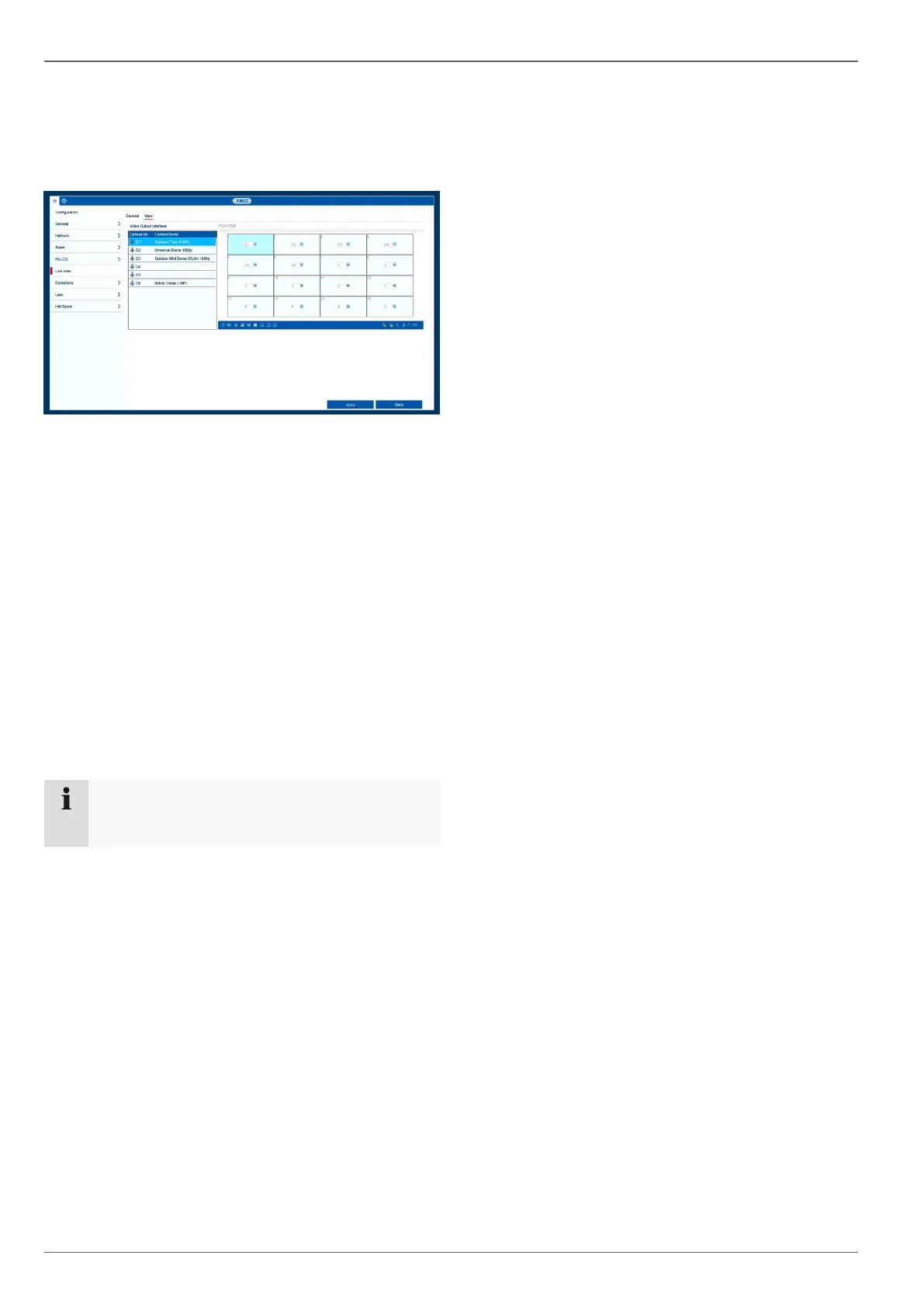
Live view
16
Setting the camera output
You can display up to 36 cameras simultaneously in live
view.
Click on the View tab:
Select the display mode.
1 x 1
2 x 2
1 + 5
1 + 7
3 x 3
4 x 4
5 x 5
6 x 6
Use the navigation keys to allocate the camera sig-
nal required to the corresponding screen section.
The X setting means that this particular camera
is not being displayed.
Click on Apply to apply the setting.
The number of cameras displayed depends on
your existing device.



 To Next Page