HDD
49
Internal hard disk drive number
for the recorder.
In this mode, video data is writ-
ten onto the data storage device
and can also be read (default
setting).
In this mode, no video data is
written onto the data storage de-
vice. This setting is useful if you
want to stop data from being
overwritten after an event.
In this mode, video data is stored
in parallel. All data storage de-
vices with the R/W setting are
also stored on all data storage
devices with the "Redundancy"
setting.
Allocate the data storage device
to an HDD group.
Important:
If only one hard disk drive is installed and this is
set to "Read-only", the device cannot be used for
recording.
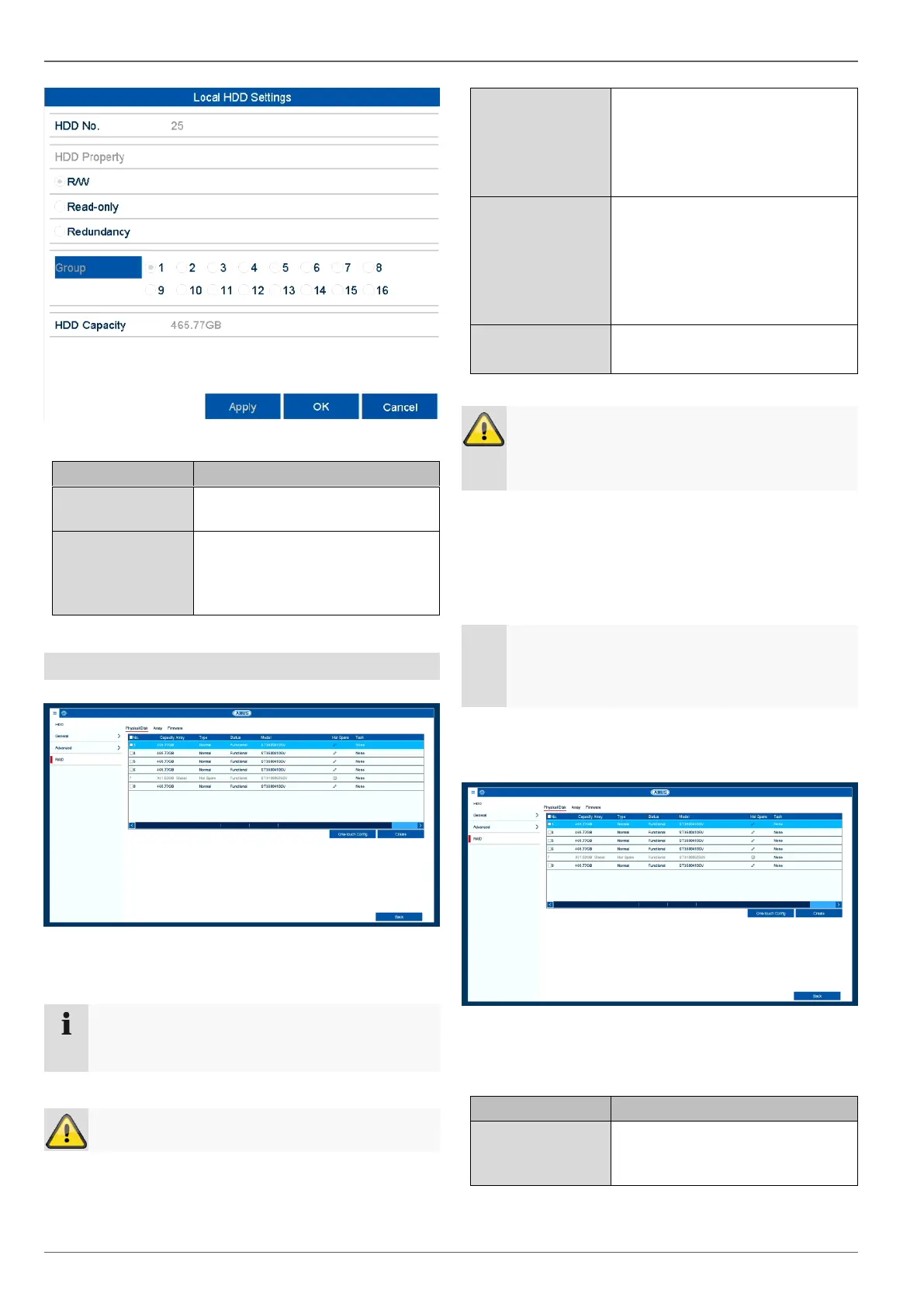
RAID
In this menu you can create a RAID array for recording
video data on the NVR.
RAID is a software RAID function. This means that
RAID data is managed via the recorder's inte-
grated CPU. If the function is enabled, the INPUT
bitrate of the NVR is reduced by around 40%.
TAP physical disk
This view shows a list of all the data storage devices con-
nected to the NVR. The following options are available
for further configuration:
Automatically creates a RAID ar-
ray from all the free data storage
devices.
Note
The "RAID" option is only available for models
with 8xSATA HDD.



 To Next Page