HDD
47
HDD
Hard disk drives
The installed hard disk drives have to be initialised
before the device can be used for recording. It is
only then that the device will recognise the hard
disk drive.
All data will be deleted from the hard disk drive
during initialisation.
Ensure data is backed up promptly.
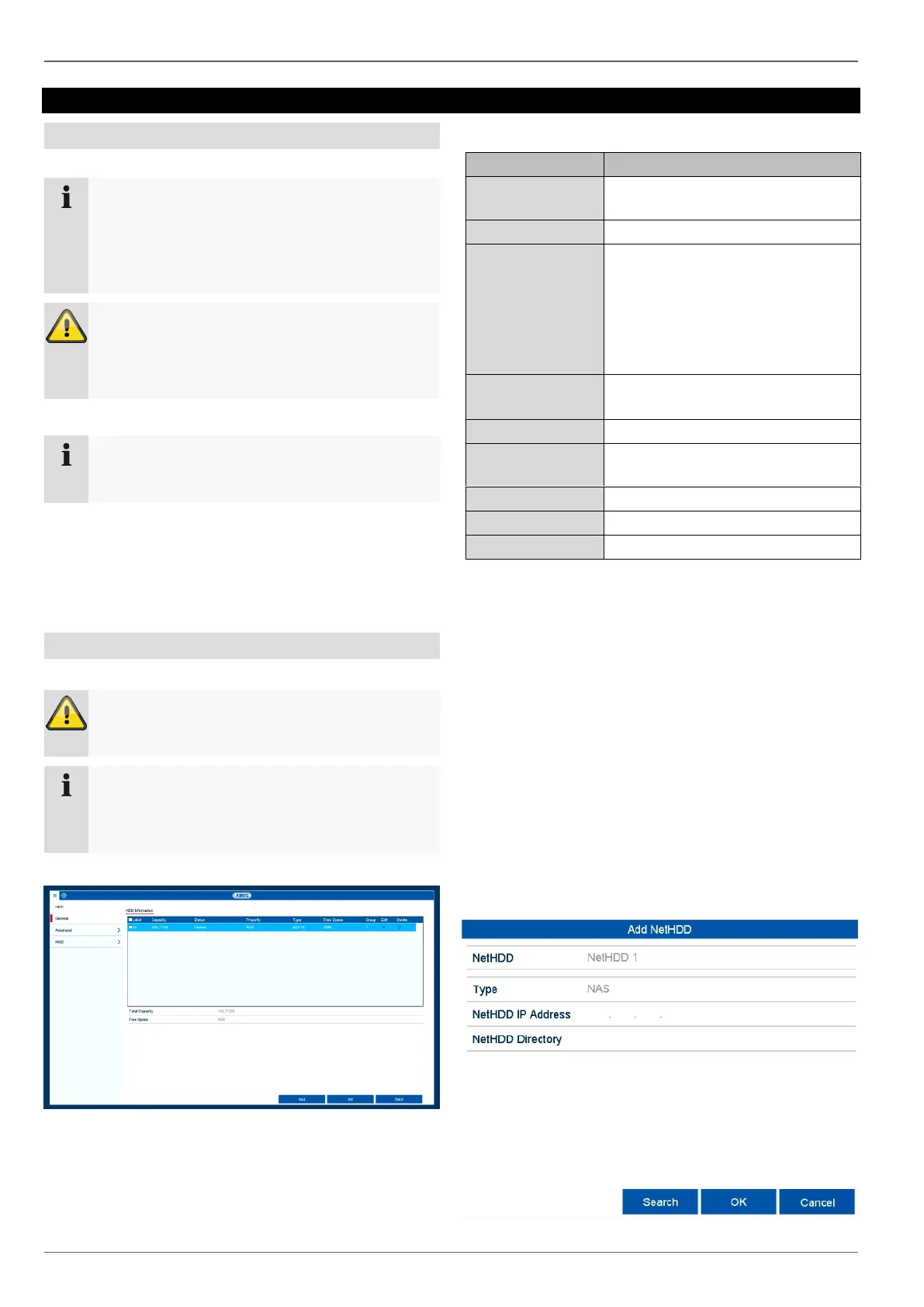
Click on "HDD" in the menu to adjust settings relating to
management of the hard disk drive.
General
Shows the internal connection
number.
Hard disk drive capacity (in GB).
Shows the current status of the
hard disk drives:
Not initialised
Normal
Error
Standby
Read-only: write protection
Local: device hard disk drive
Shows the approximate amount of
free memory for recordings
Remove the hard disk drive.
Initialising the hard disk drive
Select the hard disk drive by ticking the box.
Click on Init to start the process.
Click on OK to acknowledge the security prompt.
The status bar will show the progress of the initialisa-
tion.
Once the process has finished, the hard disk drive
will appear.
Add NetHDD
Additional data storage devices can be added to enable
storage across the network.
Click on Add to add a NetHDD.
Note
If the installed hard disk drive is not displayed,
check the connections.
When using NetHDDs, ensure that your network is
of a sufficient size.
The playback of recorded data may be slower if
you use NetHDDs than if you are using the inter-
nal hard disk drives.



 To Next Page