10
Calendar
In the calendar, you can directly select the day for the recording to be searched.
Camera command
Playback control
In the upper left area, select between continuous and event playback. Recordings
are indicated by coloured bars in the timeline. The colour coding is as follows:
Time representation Timeline
The default setting of the display range of the time bar is 24h minutes. The scaling
from the timeline can be set in the following steps:
30 minutes, 1 hour, 2 hours, 6 hours, 24 hours.
Scaling can also be done by turning the mouse wheel when the mouse pointer is
over the timeline.
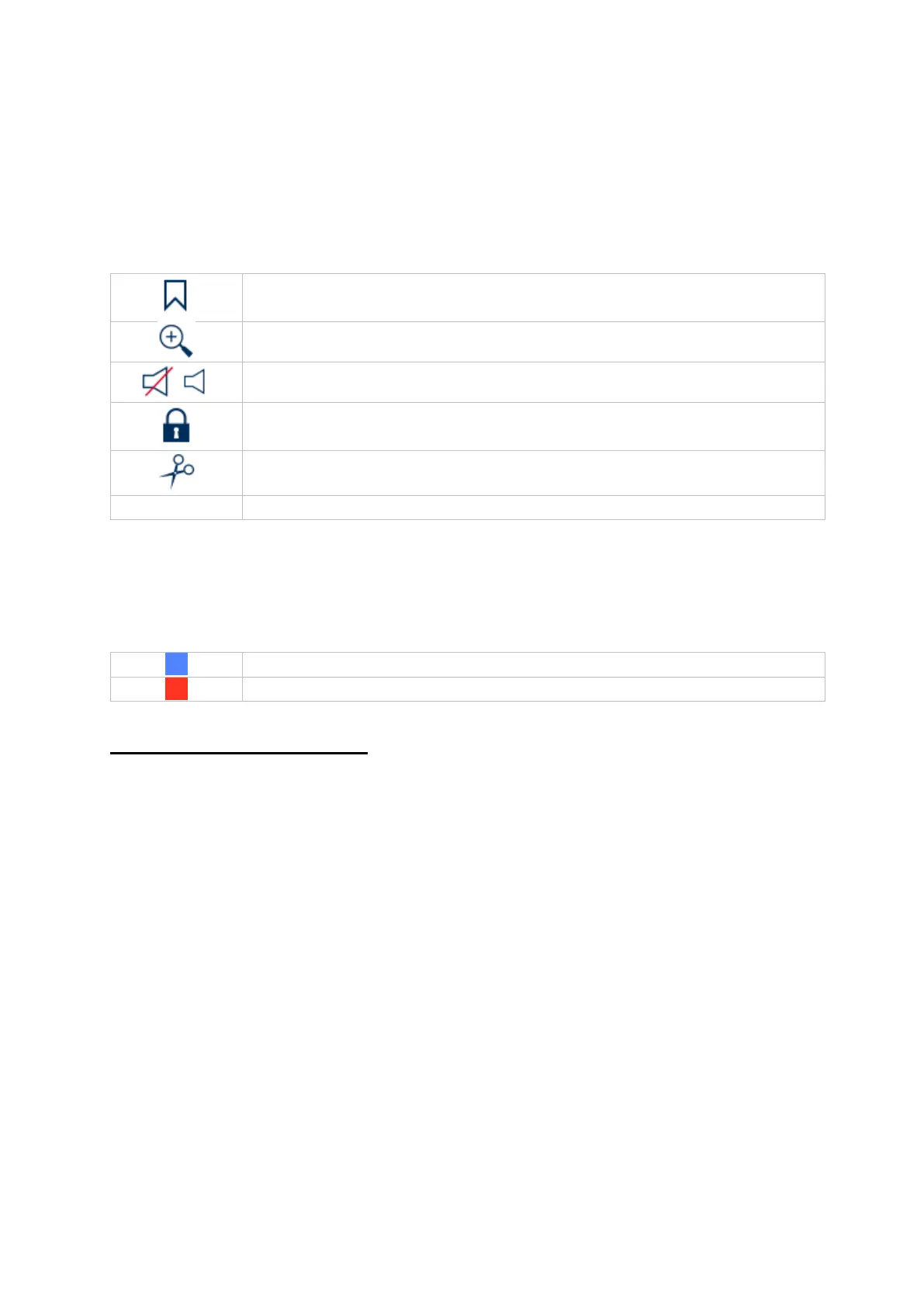
Creates a marker of the current playback position. Markers can be
called up and played back directly via the playback type "Marker".
The recording file of the current playback position is locked. A
locked file is not overwritten by the ring buffer.



 To Next Page