13
6) Configuration
Caution: Make sure that the date and time have been set correctly.
Subsequent changes can lead to data loss! Make sure you back up your data in good
time.
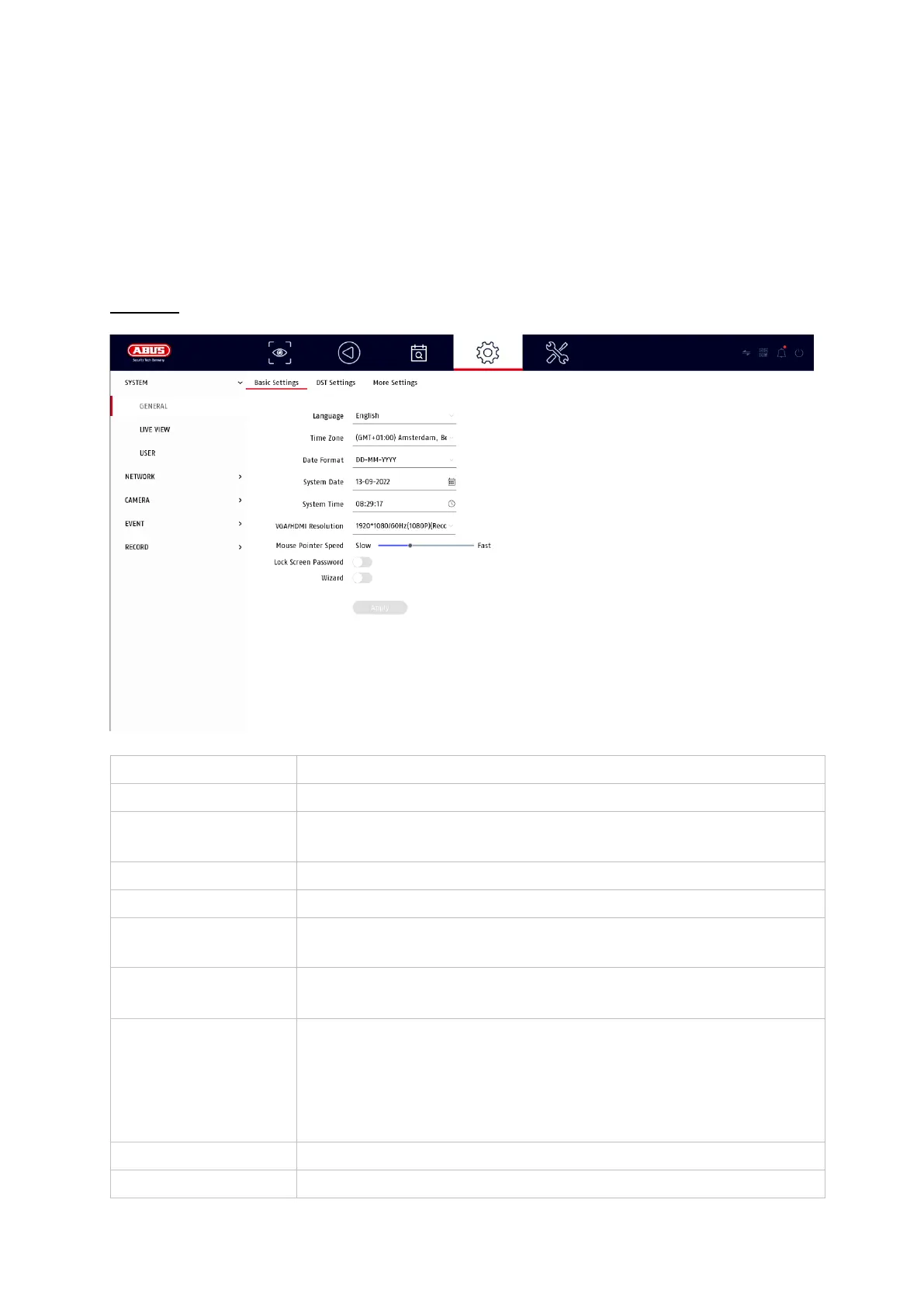
System
General
Select the menu language to be displayed
Select the time zone in which you are located
Select how the date is to be displayed:
MM-DD-YY, DD-MM-YY, YYYY-MM-DD
Sliding bar, low speed on the left, high speed on the right
Setting the output resolution for the connected monitor
Select whether a password prompt should appear during
local operation.
Attention: When accessing via network, however, the
password must be entered.
Select whether the wizard should appear at system start-up.
Select the monitor resolution of the VGA output



 To Next Page