32
Event
Normal event
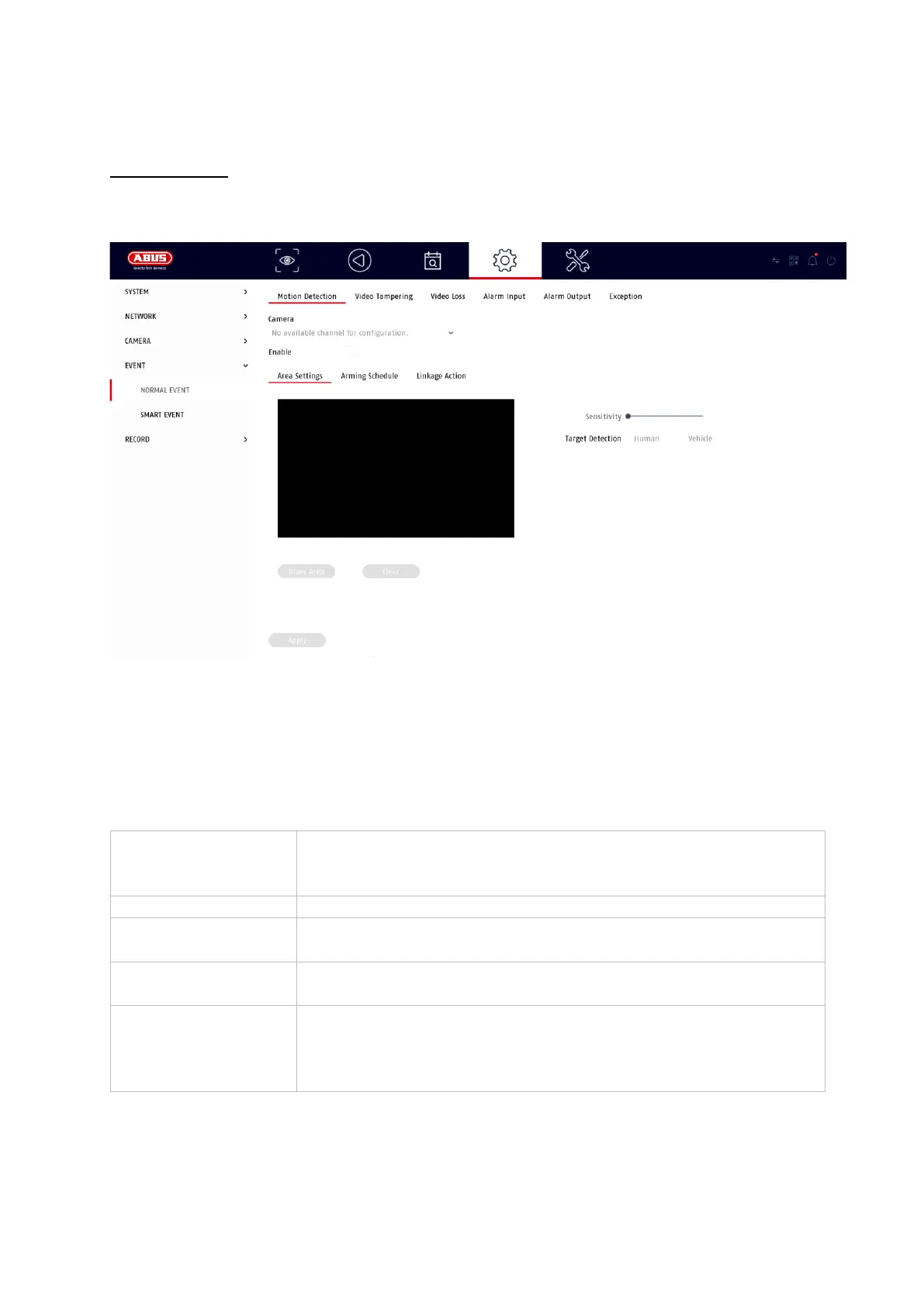
The following events can be set up in the "Normal Event" menu:
In the "Event" menu, you define which reactions are to be triggered in the event of an
event (e.g. motion detection).
For some events, it is necessary to define a range, sensitivity and schedule (when
should this event be monitored). Furthermore, you can select the following "linkage
actions" as a reaction to the event.
Under "Trigger Channel", you define which cameras are triggered and recorded in
the event of an event.
Displays the triggered camera as a full screen on the local
monitor. (Configuration of the full screen output under
"System" / "Live View")



 To Next Page