Local setup wizard
Local setup wizard
Recorder password note
Warning
Note down the admin password.
The preset password is:
“
”.
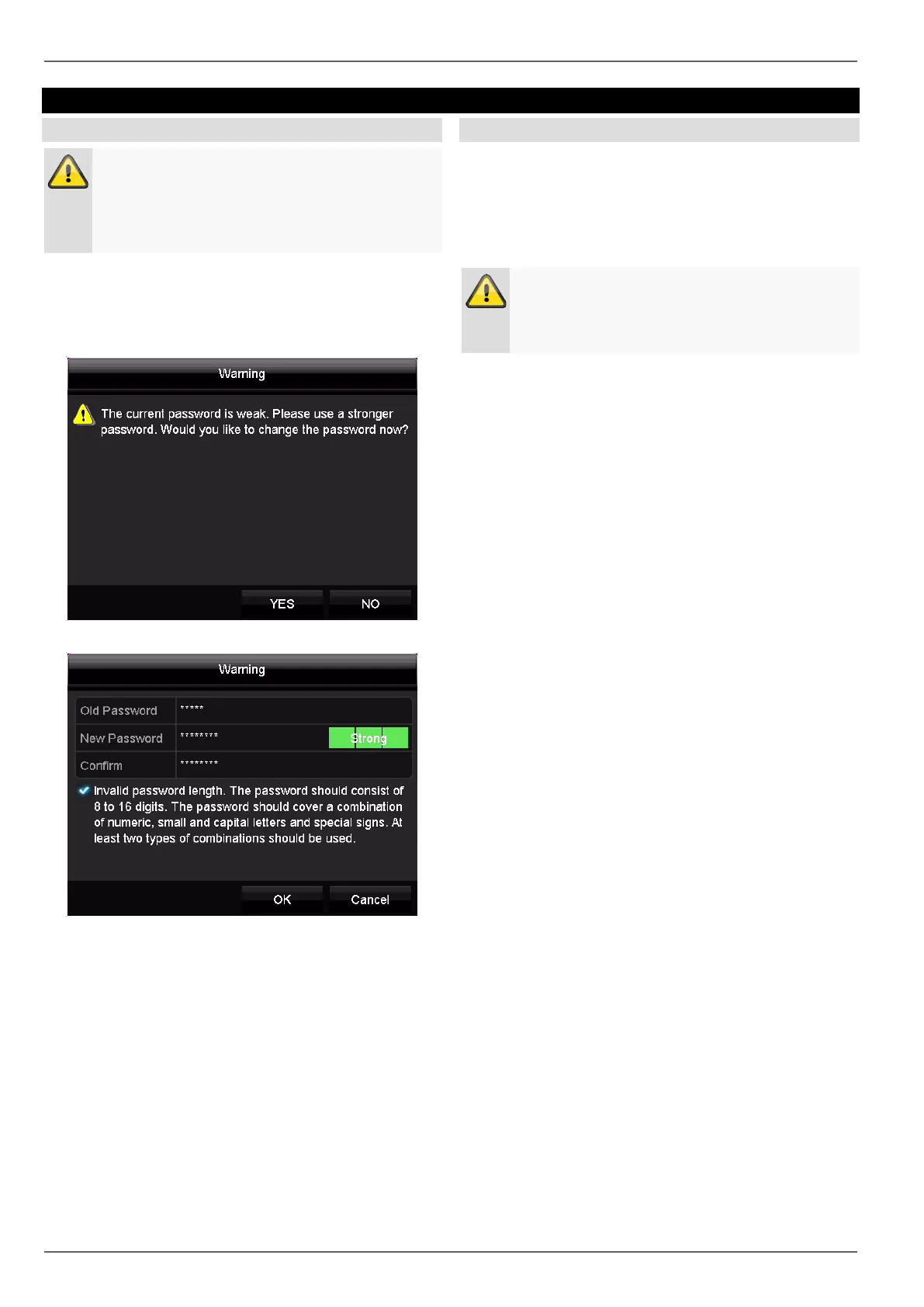
Each time the device is started it will be checked if the
preset admin password “12345” has already been
changed. If it has not been changed, a notice reminding
you to change the password will appear each time.
Click on Yes to change the recorder password.
Enter the preset password “12345” and enter a new
password for your recorder. Pursuant to the description,
this must be made up of 8–16 characters and fulfil two of
the three specified criteria.
Then press ‘Ok’ to save the changes.
Camera password note
Each time the device is started it will also be checked if
the preset camera password is used for one of the added
cameras. Then a message will be displayed. Please find
the preset password and follow the necessary steps to
change it as described in the respective camera manual.
Note
Once you have changed the password on the
camera, this password must also be stored under
the camera on the recorder.
Click on ‘Ok’ to acknowledge the message.
14



 To Next Page