5. If you are entering time-dependent settings, you can
define up to eight time slots, between 00:00 and
00:00 in each case, but the individual time slots must
not overlap.
6. Click on Copy to apply these settings to other days
or the entire week.
Finalise your settings on the record screen by clicking on
Apply and then OK.
Parameter
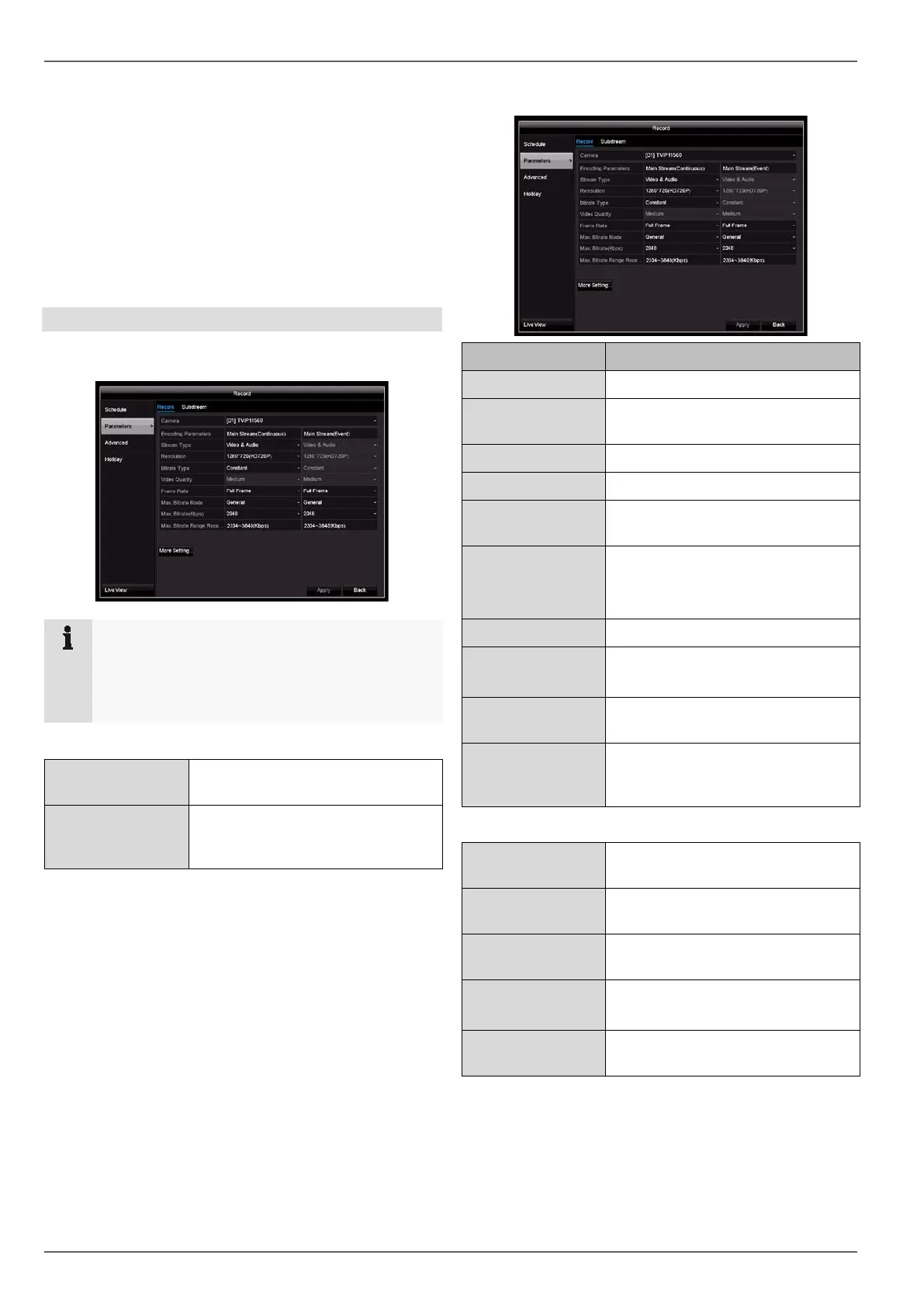
“Parameters” is where the quality settings for the individ-
ual video streams are set up on the recorder.
There are three types of configuration available:
Recording Quality settings for continuous and
event-based recording
Substream Quality settings for the substream,
which is used for the live image
display.
Record tab
Parameter Setting
Camera Camera to be set
Encoding Param-
eters
Stream to be set
Stream Type Predefined video stream
Resolution Resolution of the camera
Bit Rate Select a variable or constant bi-
trate
Video Quality There are various quality levels:
+++: medium quality
++++++: high quality
Frame rate Settings for the stream frame rate
Max. Bitrate
Mode
General: Pre-defined bit rates
Custom (32–3072)
Max. Bi-
trate(Kbps)
Settings for the maximum bitrate
Max. Bitrate
Range Recom-
mended
Recommended bit rate depending
on the set resolution, frame rate
etc.
More settings
Pre-record Recording period before an alarm
(in seconds)
Post-record Recording period after an alarm (in
seconds)
Expired Time
(days)
Setting for the maximum retention
time for recorded files
Record Audio Armed
recording with audio data
Video Stream Stream type allocated for record-
ing
Confirm the settings by clicking on Apply and exit the
menu by clicking on Back.
Note
If it is not possible to change the advanced set-
tings for resolution and bit-rate, this means that
the current recorder firmware does not support this
function.
44



 To Next Page