R/W
At least one HDD must have the R/W status
(Read/Write). Otherwise, no recordings are possi-
ble.
Checking the HDD status
The status of each HDD can be checked in the “Mainte-
nance” menu. S.M.A.R.T. information (Self-Monitoring,
Analysis and Reporting Technology) is stored in the log
data.
Call up the log file and search according to the infor-
mation/S.M.A.R.T. HDD (see page 135).
Setting up the HDD alarm
You can specify alarms to inform you of HDD errors.
To do this, call up Warning in the “System Settings”
menu (see page 125).
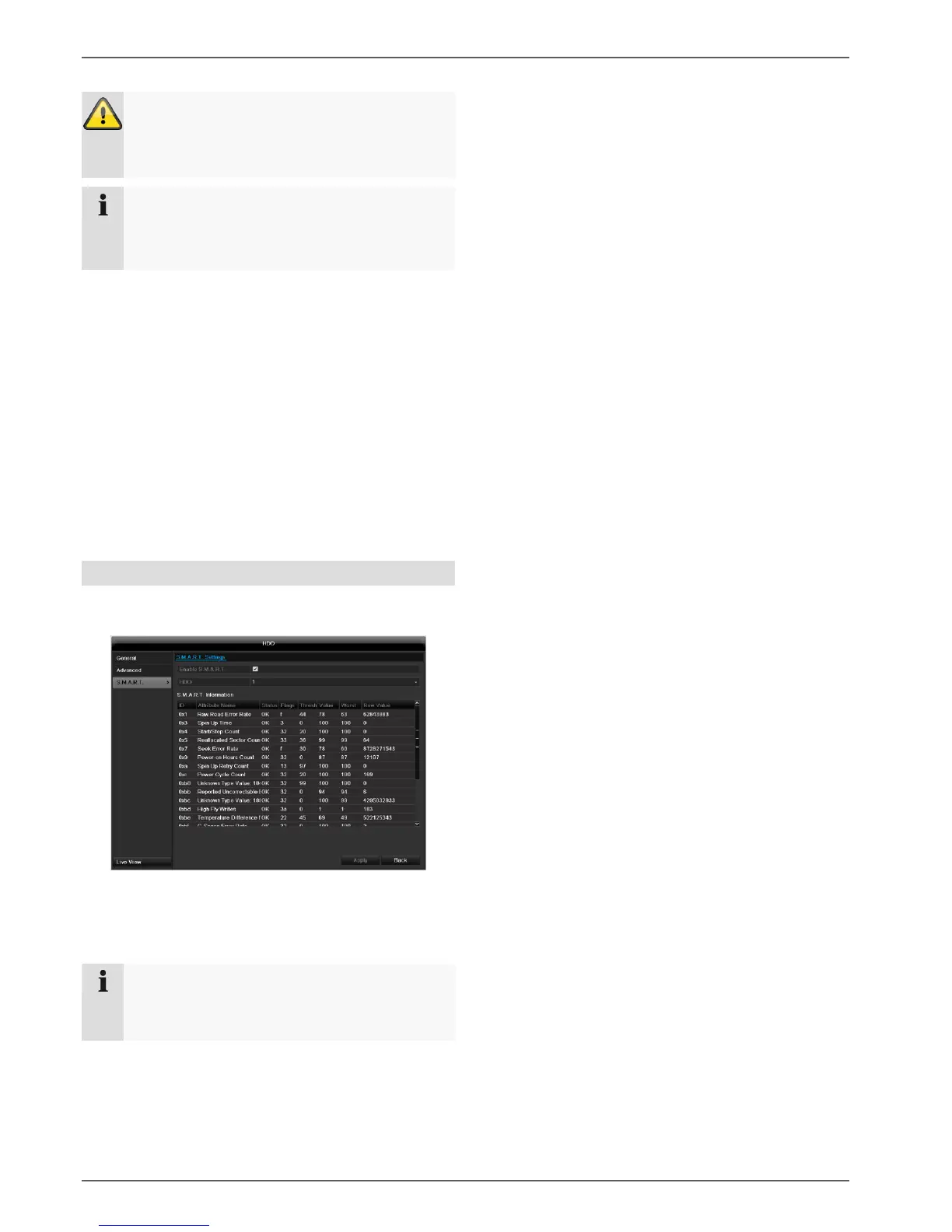
S.M.A.R.T.
S.M.A.R.T. means Self-Monitoring Analysis and Report-
ing Technology.
Information on the hard disc status is displayed in this
sub-menu.
This information helps to recognize hard disc errors. For
this reason, do not deactivate this feature if possible.



 To Next Page