Settings - Configuration
125
TAB General
Select the connection for which to
make the network settings.
Set the transmission speed of the in-
stalled network card here.
Tip: 10M/100/1000M self adaptive
Tick the box if the IP addresses are
assigned dynamically via DHCP in the
network.
DHCP activated: Subsequent entry
fields are inactive (parameters as-
signed via DHCP).
Note:
If the IP addresses are assigned
manually, ensure that DHCP is not ac-
tive (box not ticked).
Address of the network device in the
network (manual assignment)
Address of the gateway for Internet ac-
cess
Hardware address of the installed net-
work card
Describes the max. size of the largest
protocol data .
Address of the Domain Name Server
(usually the IP address of the gateway)
IP address of the alternative DNS
server
Note
In certain modes some of these settings cannot be
selected.
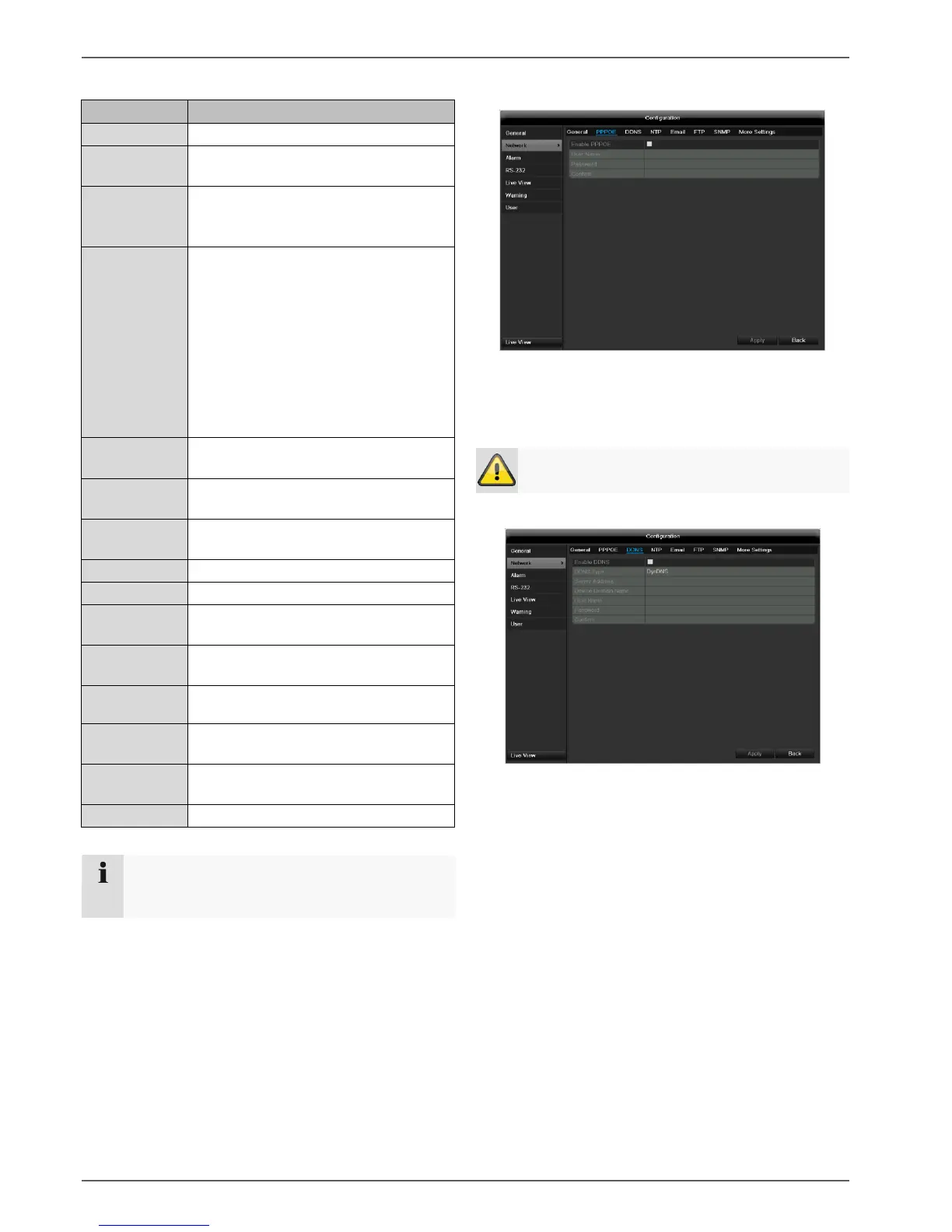
PPPOE
1. Tick the PPPOE box, enter the user name (Internet
access ID) and password, then confirm the pass-
word.
2. Confirm the settings by pressing Apply.
Warning
Use PPPOE only if there is no router available.
DDNS
1. To use the ABUS DDNS function, you must first set
up an account under www.abus-server.com. Please
note the FAQs on the website when doing this.
2. Tick the “Enable DDNS” box, enter ‘ABUS DDNS’ as
the “DDNS Type”, then enter www.abus-server.com
under “Server Address”.
3. Confirm the settings by pressing Apply. The IP ad-
dress of your Internet connection is now updated on
the server every minute.



 To Next Page