Settings - Configuration
137
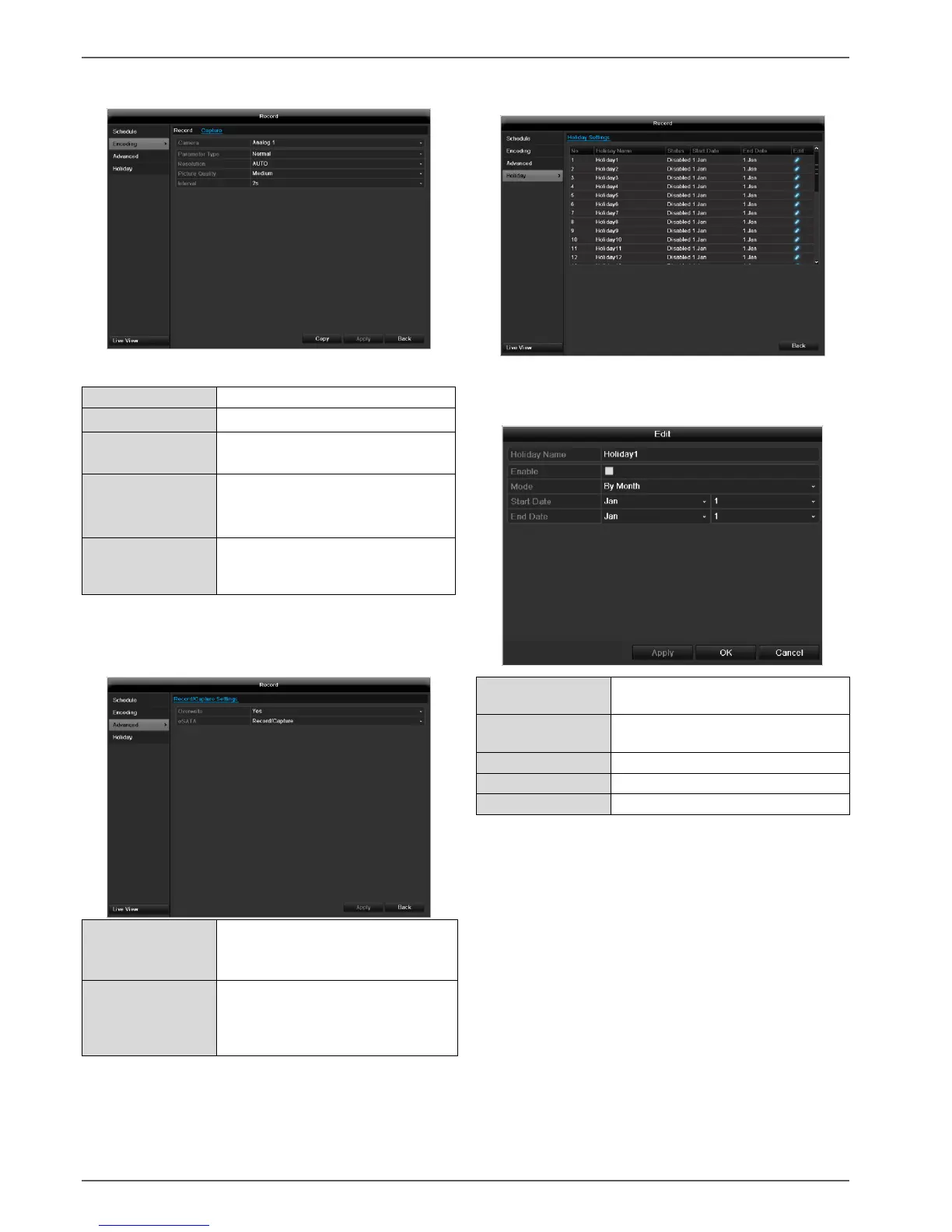
TAB Captured
The following parameters are adjustable:
Auto, 4CIF(704x576),
CIF(352x288), QCIF(176x144)
different qualities
+++: middle quality
+++++: high quality
Single images are saved every 1-
5 seconds according to event or
time plan
Confirm the settings by clicking Apply and leave the
menu with Back.
Advanced settings (TVVR45030)
You can specify whether older re-
cordings are deleted when the
HDD memory is full
Specify if an eSATA hard disc
connected by USB should be used
for exporting, or for additional re-
cording/image storing.
Holidays
In this sub-menu, 32 different recording settings for vaca-
tions or public holidays can be applied.
To apply these settings click on the “Edit” symbol:
Manual name entry of the vaca-
tion or holiday
Activate or deactivate the set va-
cation
According to date / week / month
Selection of start date / start time
Selection of end date / end time
Confirm your settings with Apply and OK.



 To Next Page