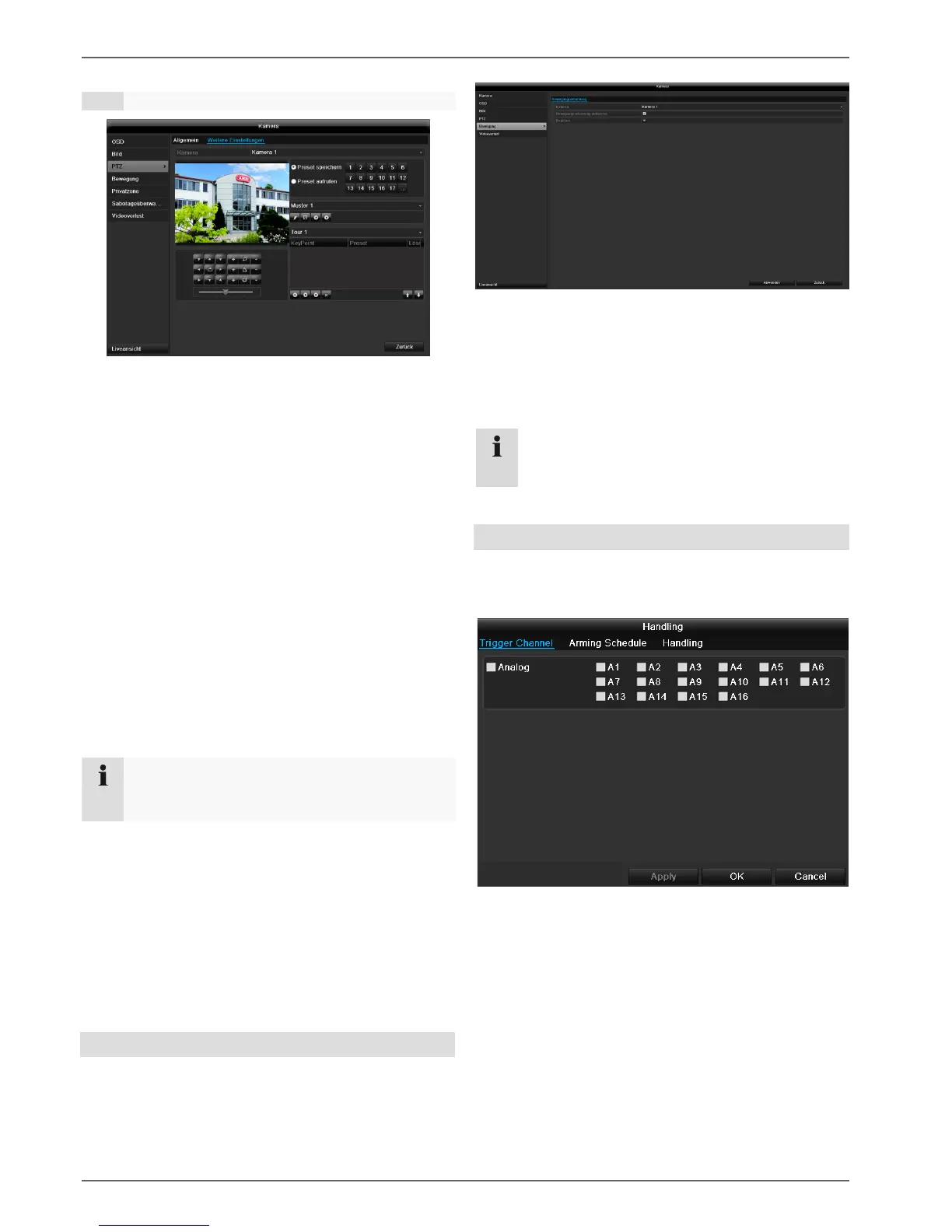
Saving and retrieving presets
1. Use the arrow buttons to move the network cam-
era to the required image section and save the
position, for example as Preset 1
2. Click on Call up to move to Preset 1.
Setting up and calling up patrols
1. Create several presets to use for the patrol
2. Click on + to select a preset
3. Add more presets to set up the required patrol.
4. Then click on the play symbol to start the patrol.
Motion
Select the camera channel under “Camera”.
Select the checkbox for motion detection.
The motion detection in the network camera must also be
activated. For further details, refer to the network camera
manual.
Handling
Trigger Channel
When “Reaction” is clicked, the TAB Trigger channel
appears (only with motion recognition):
Select one or more camera channels that should carry
out a reaction in the event of an alarm.
Confirm the settings by clicking Apply and leave the
menu with OK.
Armin Schedule
Select the TAB Arming Schedule.



 To Next Page