23
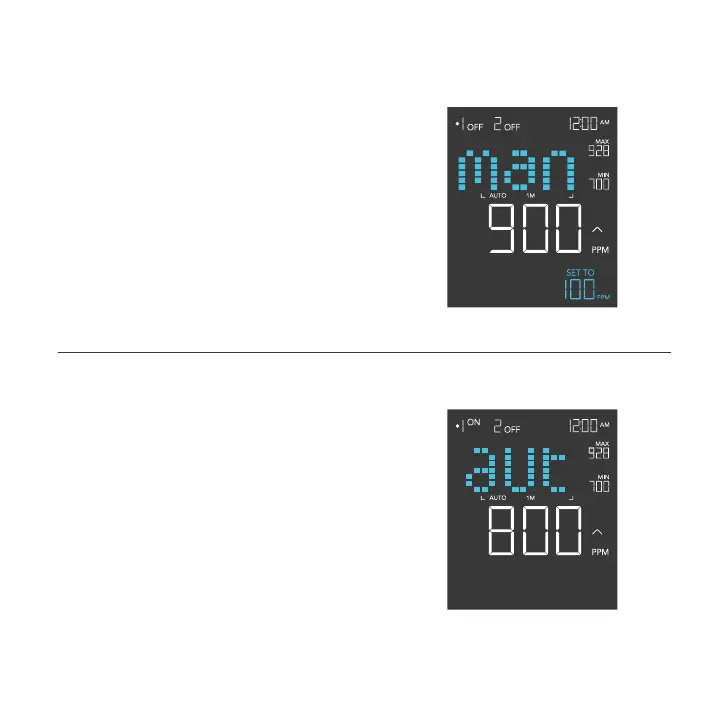
MANUAL CALIBRATION SETTING
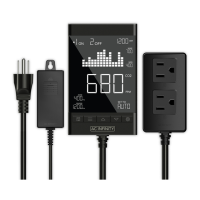
Adjusts the CO
2
reading the sensor is measuring.
Press the up or down button to increase or decrease
the data figure in 10ppm increments.
The calibration cycle ranges from -500ppm to 500ppm
and will be applied to the sensor’s measurements.
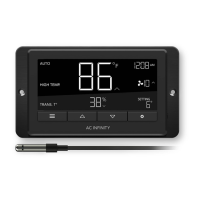
AUTO-CALIBRATION SETTING
Automatically adjusts the CO
2
reading to 400ppm,
using outdoor conditions as a baseline, to correctly
display CO
2
levels.
Set the sensor in a shaded outdoor location away from
moisture. Hold the outlet button for 5 seconds to begin
the calibration. A 10-minute timer will appear on the
lower right corner.
Stay on this setting until the countdown concludes to
finish the calibration. Pressing the outlet button during
the auto-calibration will cancel the process.
PROGRAMMING


 To Next Page