16
PROGRAMMING
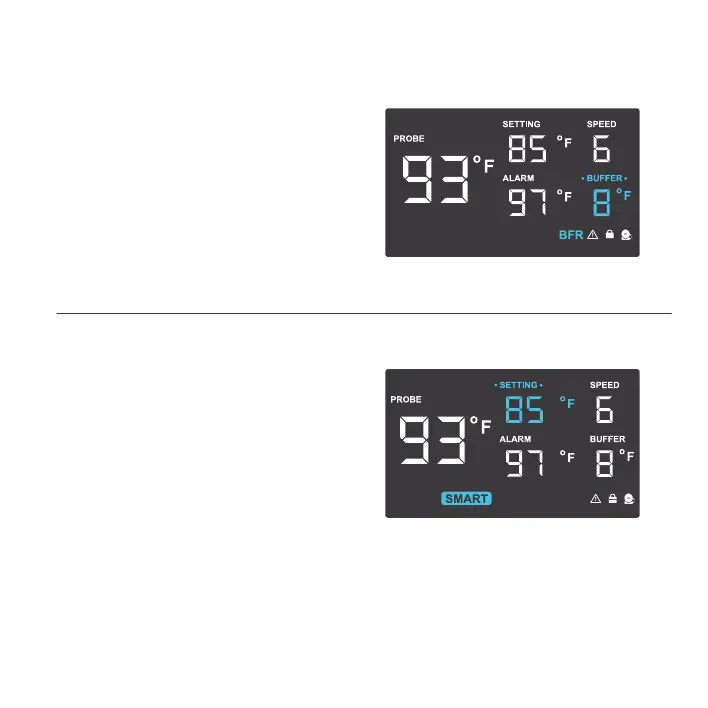
BUFFER SETTING
Pressing the up and down button sets the
buffer that creates a temperature range
between each speed level. The buffer can
be set in 2°F, 4°F, 6°F, or 8°F (1°C, 2°C, 3°C,
or 4°C) increments. This prevents the fan
from haphazardly turning on/off or changing
speeds due to small changes in temperature.
SMART MODE
In this mode, the fans will change speeds
depending on the probe temperature to
conserve energy.
Pressing the up and down buttons will adjust
the set temperature. The fan speed steps down
for every 2°F (1°C) increment the probe reading
is below the set temperature, and vice versa.
This increment can be adjusted in the buffer
setting, while the maximum fan speed can be
set in the speed mode.



 To Next Page